
by Ali Rind, Last updated: April 27, 2026
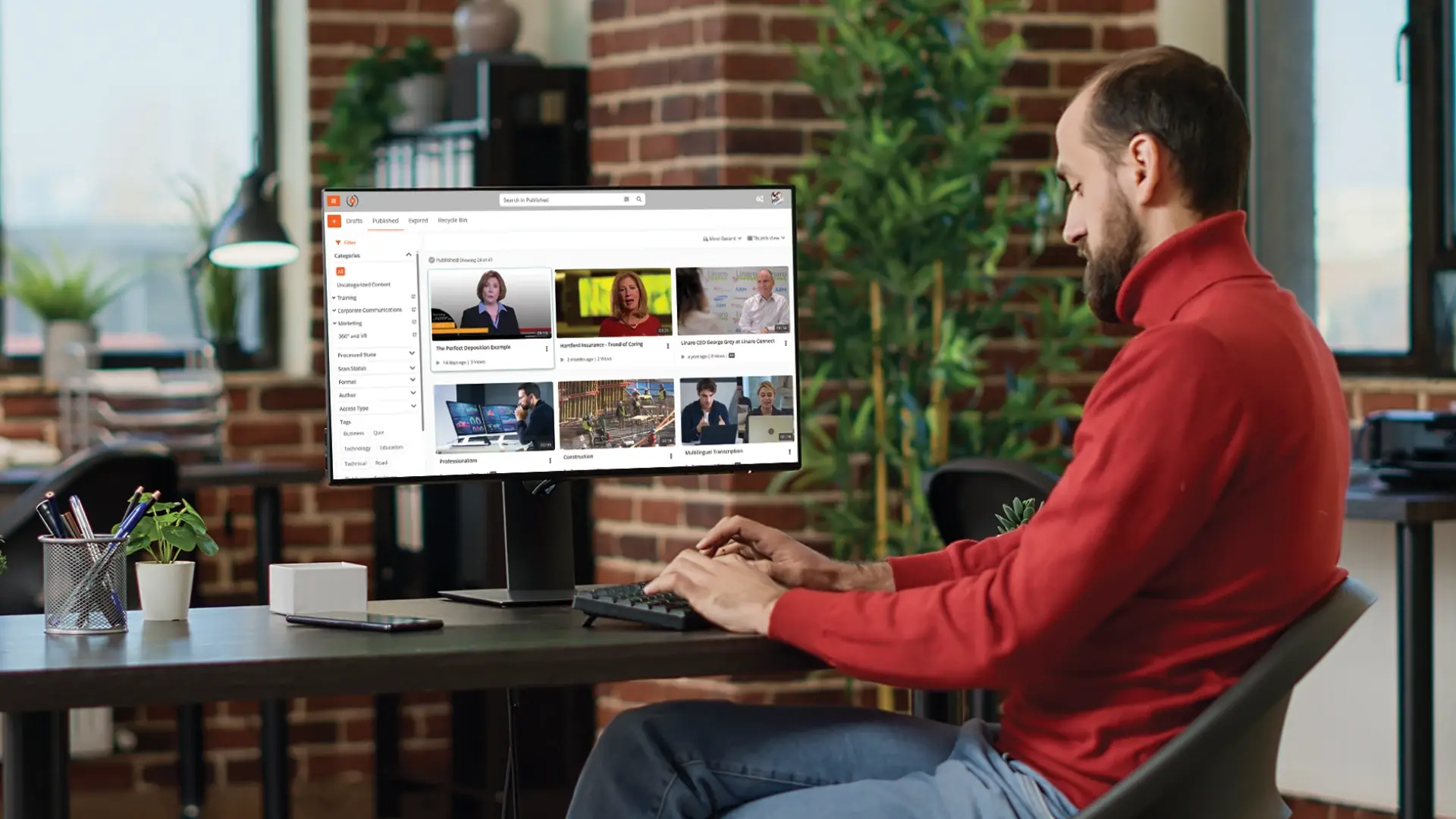
A webcast is the one-to-many broadcast of live or recorded video to a distributed audience over the internet, run through a platform that handles ingestion, encoding, delivery, and viewer access. It looks like a TV broadcast in structure but runs over IP rather than airwaves. The audience can be anywhere with a link and the right credentials.
For enterprises, webcasting is how leadership communicates at scale. Town halls. Executive updates. Compliance training. Product launches. Investor calls. Partner enablement. Same shape every time: an audience too big for a video meeting to handle, an event that needs to look like an event, and a recording the company will keep going back to for the next year.
For where this fits in a larger video program, see our guide on enterprise video CMS.
What is webcasting?
A webcast is a live or pre-recorded video broadcast distributed to a large audience over the internet. The defining trait is one-to-many delivery. The presenter or production team sends content out. Viewers watch, with limited or structured interaction back. That is what separates a webcast from a video meeting, where everyone can speak, share their screen, and contribute equally.
Webcasts can run live, where the broadcast happens in real time and viewers tune in as it occurs. Or they can run on demand, where a recording is available afterward. Most enterprise webcasts are both: recorded during the live event and made available on demand afterward so employees in different time zones can catch up.
The plumbing involves a capture device (camera, encoder), a streaming platform that ingests and processes the feed, a content delivery network that pushes the stream out to viewers, and a player on the viewer's device that decodes and plays it. For enterprises with large internal audiences, an enterprise content delivery network (eCDN) sits between the public CDN and the corporate network. Without one, thousands of employees pulling the same stream at the same moment will saturate the corporate WAN. This is how IT teams discover, mid-town-hall, that they have a bandwidth problem.
Webcast vs live stream vs webinar
These three terms get used interchangeably in casual conversation. They describe different formats with different best-fit use cases.
-
Live stream is the broadest of the three. Anything broadcast over the internet in real time qualifies. Twitch streams, Facebook Lives, YouTube live broadcasts, enterprise webcasts. All of them are technically live streams. The term is generic.
-
A webinar is built for two-way interaction with smaller audiences. Live chat, audience Q&A, polls, sometimes the ability for attendees to unmute and speak. Audience size in the dozens to low hundreds. Webinar platforms (Zoom Webinars, GoTo Webinar, ON24) prioritize interactivity over production polish.
-
A webcast sits between the two. It is a structured, often produced live broadcast intended for a large one-way audience. Audience size for enterprise webcasts ranges from hundreds to tens of thousands. Webcasts often include multiple camera angles, branded overlays, slide synchronization, captions, and full recording for on-demand replay. Chat and Q&A are usually moderated rather than free-form.
If you remember nothing else: a webinar is a meeting at scale, a live stream is anything broadcast in real time, and a webcast is an event at scale. Use a webinar when interaction matters more than polish. Use a webcast when polish and audience size matter more than two-way conversation. The mistake most teams make is reaching for the webinar tool because it is already on the contract, and then watching it fall over at 2,000 attendees.
How enterprise webcasting actually works
Five stages, but they are not equal. The two that break most often are encoding and delivery. The other three mostly work if you set them up correctly once.
-
Capture is where the video originates. A small webcast: a single laptop webcam and microphone. A polished town hall: multiple professional cameras, a video switcher, broadcast-quality audio, a production team on comms. Most enterprise webcasting platforms accept input from any of these. They ingest a standard video feed rather than dictating the capture setup.
-
Encoding turns the camera feed into something a network can carry. An encoder compresses raw video using a codec like H.264 or H.265. It can run on a hardware encoder (a dedicated box that takes a video input and outputs a compressed stream), a software encoder (something like OBS Studio on a laptop), or in the cloud. The encoder pushes the compressed stream to the platform using a protocol like RTMP. This is where most preventable webcast failures originate, usually because someone changed an encoder setting the morning of and nobody re-tested.
-
Ingest and processing is what the platform does with the stream after it arrives. It transcodes into multiple resolutions and bitrates so a viewer on 5G gets a different quality than a viewer on fiber, and it records the live broadcast so the recording is ready to publish the moment the event ends.
-
Delivery is where scale kills you if you got it wrong. A public CDN handles external delivery to viewers across the internet. For internal corporate audiences, an eCDN handles the same job inside the corporate network, redistributing one stream locally rather than every employee laptop pulling its own copy from the public internet. Without an eCDN, a 5,000-person all-hands can saturate the office WAN and crash the VPN at the same time.
-
Playback is what the viewer actually experiences. A player embedded in a portal, intranet page, or branded webcasting page. The player decodes the video, switches between adaptive bitrate renditions based on network conditions, and renders chat, Q&A, captions. Authentication usually happens here so only authorized viewers get in.
Types of enterprise webcasts
Enterprises run webcasts for a wide range of use cases. The format adjusts to fit the audience, the goal, and the level of production needed.
Executive town halls
The most common enterprise webcast format. Leadership broadcasts to all employees, typically quarterly, with a structured agenda: business updates, financial results, strategic priorities, moderated Q&A. Town halls expect production polish, branded overlays, captions for accessibility, and a recording available on demand for employees in different time zones. Audience controls matter because the content is often sensitive enough that a leak would be a problem.
Compliance and mandatory training
When a regulatory requirement or annual training program needs to reach the entire workforce, a live webcast plus on-demand replay tends to outperform asking everyone to complete a self-paced module. Webcasting platforms with completion tracking can verify who attended live, who watched the replay, and who has not engaged at all. That last group is what auditors care about. For an industry-specific example, see our guide on video-based compliance training for financial advisors.
Product launches and customer events
External-facing webcasts to customers, partners, and the press. These are usually the most produced format: multiple camera angles, scripted segments, post-event content syndication. Audience controls flip from "internal only" to "anyone with the registration link" or "anyone in this region."
Investor communications
Earnings calls, investor days, and shareholder meetings increasingly run as webcasts. Regulatory requirements (Reg FD in the US, MAR in Europe) shape the format: anyone on the investor list must receive the same information at the same time, the broadcast must be archived, and disclosures must be timestamped accurately. Get this wrong and you have a regulatory event, not just a bad webcast.
Partner enablement and sales kickoffs
Internal-facing but with mixed audiences (employees, channel partners, contractors). These webcasts often include a live presentation, a recorded demo segment, and a moderated Q&A. The hard part is access control. Different audiences should see different content, and the platform needs to handle that segmentation cleanly.
Internal crisis communications and emergency updates
When something needs to be communicated to the whole organization quickly, leadership uses the webcasting infrastructure that already exists for town halls. Production polish drops in favor of speed. Audience size and authentication requirements stay the same.
What to look for in an enterprise webcasting platform
Most webcasting platforms can handle the basics. The differentiation shows up at scale, in five places.
The first is authentication and access control
Internal-only events need single sign-on integration with your identity provider so employees can join without separate credentials and unauthorized viewers cannot. External events need invitation-based access with reliable user lifecycle management so when someone leaves the partner program, they lose access. Both need granular permissions if some segments of the audience should see different content than others. For the underlying mechanics, see our guide on secure video hosting.
The second is eCDN behavior for internal events
If you regularly stream to more than a few hundred employees on the same corporate network, your platform needs to either include native eCDN capabilities or integrate with a third-party eCDN. Common eCDN models include peer-to-peer caching (employee devices share stream chunks with each other on the same subnet) and edge appliances at large offices. Either way, the eCDN has to be tested at audience size before the actual event. The mistake here is testing at a few dozen and assuming it scales linearly.
The third is recording, transcription, and the on-demand archive
Most webcasts get watched more times on demand than live, so the platform should record automatically, generate accurate captions and transcripts on the recording, and place it in a searchable video library. AI capabilities like automatic chaptering and summarization compound the value of the archive over time.
Fourth is audience interactivity
Live chat, moderated Q&A, polls, reactions. The features should be configurable so the production team can decide whether to enable them for a given event. A board-level investor day enables nothing. A new-hire orientation enables everything.
Fifth is analytics and engagement reporting
After the event, leadership wants to know how many people watched, where they dropped off, what topics drove the most engagement. For mandatory training and compliance webcasts, the analytics need to include completion tracking and audit-quality records of who watched what. "We think about 60% finished it" is not an audit answer.
Beyond these, the platform should also offer flexible deployment (cloud, on-premises, hybrid for regulated industries), integration with your existing video CMS so webcasts archive into a unified library, and security controls that satisfy IT and compliance.
How to plan an enterprise webcast
Adjust the checklist below based on audience size, production polish required, and the stakes of the content.
Two to four weeks out:
- Define the audience, the goal, and the success metric (attendance? engagement? completion?)
- Choose between live, on-demand, or live-plus-replay
- Confirm the platform supports your audience size and access controls
- Schedule the event and configure access permissions
- Send calendar invitations and registration links
- Build the run-of-show document with timing, speakers, and content segments
One week out:
- Run a technical rehearsal with all presenters, the production team, and the platform
- Test cameras, microphones, encoder, and streaming connection from the actual event venue
- Verify eCDN configuration if the audience is large enough to need it
- Pre-record any segments that should not run live (demos, backup content)
- Brief the moderator on Q&A handling, escalation paths, and what to do if something fails
Day of:
- Test the streaming setup at least an hour before the start time
- Have a backup encoder ready in case the primary fails
- Have a backup network path ready (a separate internet connection, even a mobile hotspot, can save a webcast)
- Start the broadcast a few minutes early so the audience can confirm playback works
- Run the event according to the run-of-show
After:
- Verify the recording captured cleanly and is processed for on-demand viewing
- Review automated transcripts and captions, edit if needed
- Send the on-demand replay link to attendees and absentees within 24 hours
- Pull engagement analytics and completion data
- Debrief with the production team on what worked and what to fix next time
Common webcasting mistakes to avoid
Failures repeat. A few patterns show up over and over.
Underestimating internal network capacity. A 5,000-person company running its first all-hands without an eCDN will saturate the corporate WAN. Some employees will see the broadcast fine. The rest will get buffering or a dead player. Always test at audience size, not just along the public CDN delivery path.
Treating webcasts like meetings. Trying to run a 2,000-person town hall in a video conferencing tool produces a poor experience for everyone. Webcasting platforms exist because the format is different, not because someone wanted another product to sell.
Skipping the technical rehearsal. Most webcast failures trace back to a problem that would have surfaced during a proper rehearsal: wrong encoder settings, audio levels off, presenter unfamiliar with the platform, network path that worked at the office but not from the event venue. The cheapest hour you can spend on a webcast is the rehearsal.
Forgetting access controls. Internal-only webcasts that get accidentally shared externally happen more often than they should. The fix is platform-level enforcement: authentication required, expiring links, audit trails on who accessed the recording afterward. Counting on people to "remember the rules" is not a control.
No on-demand strategy. Most of the audience for a typical enterprise webcast watches on demand, not live. If the platform does not produce a clean recording, accurate captions, and a searchable archive, you are leaving most of the value of the event on the table. A searchable archive depends on in-video search; for a deeper look at how that works, see our post on in-video search for enterprise training.
Webcasting at EnterpriseTube
EnterpriseTube supports enterprise webcasting with live streaming and webcasting software built for events at scale. The platform handles up to 20,000 simultaneous live participants (confirmed in the IRS deployment) and 24/7 continuous streams, with deployments running 57,000 viewer licenses in production at major financial institutions.
Authentication runs through SSO via SAML 2.0, OAuth 2.0, or OpenID Connect with any major identity provider. A built-in P2P enterprise CDN handles internal corporate distribution by redistributing stream chunks across employee devices on the same subnet, which avoids WAN saturation during all-hands events without requiring a separate eCDN appliance.
Recording happens automatically during the broadcast. Once the live event ends, AI processes the recording for transcription (in 82 languages), automatic chaptering, summarization, and object detection. The recording lands in the video library and the on-demand replay is searchable from the moment processing finishes.
Granular access controls (RBAC, SSO-driven group permissions, time-limited links) keep internal events internal and external events scoped correctly. Deployment options include cloud, on-premises, and hybrid. That last option matters for regulated industries that cannot run video traffic through external infrastructure.
To see how the platform handles a specific use case, start a free EnterpriseTube trial or talk to the team.

About the Author

Jump to

10 Practical Applications for Enterprise Webcasting
What Is an eCDN? Enterprise Content Delivery Network for Secure Video Streaming

No Comments Yet
Let us know what you think