
by Ali Rind, Last updated: April 20, 2026

Your training library has thousands of recordings. Your employees cannot find anything in them. They type a term into the search bar, the platform returns ten videos, they open the longest one, scrub for two minutes, give up, and go ask a coworker.
This is the core problem in-video search for enterprise training is built to solve. Not "search the library." Search inside the video. Type a vendor name and land on the 60-second segment where that vendor is actually discussed.
This post walks through why traditional video search fails, what true in-video search looks like, and where multi-signal search with timestamp deep-linking saves training teams real time every day.
The Problem: Employees Can't Find What They Need in Long Recordings
Enterprise training libraries grow the same way enterprise document libraries grew twenty years ago. Someone records a session. It gets uploaded. It gets tagged with whatever the uploader remembered to type. It sits there.
Six months later, an employee needs the information in that recording. They search for the specific thing they need. The platform returns the video because someone typed a related word in the title field once. They open it and face a 45-minute timeline with no idea where their topic lives.
At scale, this kills the library's usefulness. A technician on a job site who needs a two-minute procedure is not going to sit through a 40-minute training recording. A new hire who needs the onboarding policy statement is not going to scrub through a 90-minute town hall. An auditor verifying that compliance content was covered in a session is not going to watch the whole session to confirm one sentence.
The training content is there. The time cost of extracting the useful 90 seconds from it is what blocks usage.
Why Traditional Video Search Fails
Most video platforms call themselves "searchable." What they mean is that the title, description, and manually-applied tags are searchable. That is not the same thing.
Traditional video search indexes metadata only. If the uploader wrote "Q3 Safety Orientation" in the title and tagged it "safety, orientation, manufacturing," then searches for any of those terms return the video. Any other concept discussed in the recording, whether it is a vendor name, a product code, a procedure step, or a policy statement, is invisible to search.
The reason is mechanical. Metadata is a short string of words someone typed by hand. The 45 minutes of spoken content, the slides on screen, the procedures demonstrated, the charts shown, none of that is text. None of that is indexed. The search bar has no access to any of it.
This is why every enterprise video library eventually develops two classes of content: the videos people can find, which get watched, and the videos people cannot find, which do not. Quality of content has nothing to do with which bucket a recording lands in. Tagging does.
What In-Video Search Actually Means
In-video search changes the index. Instead of only looking at metadata, it looks at everything AI can extract from the video itself. The search bar now queries across five different signals:
-
Spoken words (AI transcription). Every word the presenter said gets transcribed and indexed. A search for a vendor name returns every recording where the vendor was mentioned, even if the uploader never tagged it.
-
On-screen text (OCR). Text that appears on slides, screen shares, whiteboards, and demo recordings gets optically recognized and indexed. A search for a regulation number finds the slide where it appears.
-
AI-generated tags. The platform auto-tags content based on topic detection, so recordings about a subject show up even without manual tagging effort.
-
Detected objects. Object detection identifies items in the video frame: faces, vehicles, equipment, PPE, and other visual elements. A search for a specific object type returns recordings where it appears on screen.
-
Topics and chapters. AI chaptering breaks long recordings into topic segments. Search can return a specific chapter within a longer video, not just the video as a whole.
Each of these signals adds searchability. Put together, they turn the library from "titles and tags" to "everything visible and audible in the video."
How Timestamp Deep-Linking Works
Finding the right video is half the problem. Landing on the right moment is the other half.
Timestamp deep-linking means the search result returns not just the video but the second where the term appears. When a user clicks a result, the player opens at that second, not at zero. A search for a vendor name in a 50-minute recording opens the video at the nine-minute mark where the vendor was first mentioned, with the transcript segment highlighted.
This changes the time math. Without timestamp links, "finding a moment" still requires scrubbing through the video after the platform returns it. With timestamp links, the scrubbing step disappears. Click, watch the relevant 60 to 90 seconds, move on.
Deep-linking also changes how employees share content internally. A manager sending a link to a direct report does not say "watch this video and skip to the PPE section." They send a link that opens at minute 18:20. The recipient gets the relevant moment, not the whole recording.
Use Case: The Field Technician Looking for a 60-Second Procedure
A field service technician is on a job site. The equipment in front of them is from a specific vendor. They need to remember the exact crimping procedure for that vendor's connectors. Somewhere in the training library is an hour-long session that covered five different vendors' procedures.
Without in-video search, the technician has two options: call the office and ask someone to scrub through and tell them, or give up and wing it. Both options are bad. One burns 20 minutes of someone else's time. The other risks a warranty or safety issue.
With in-video search, the technician opens the mobile app, types the vendor name, and gets back the specific chapter in the specific video that covers that vendor's connector procedure. They watch 90 seconds. They do the job. They move on.
The cost difference per incident is small. Multiplied across a service organization with dozens of technicians on dozens of jobs per day, the cost difference compounds into real operational time saved.
Use Case: The Compliance Officer Verifying a Policy Statement
A compliance officer is preparing for an audit. The audit requires documentation that a specific policy was communicated to employees in a specific quarter's training. The training was delivered as a 90-minute recorded town hall three months ago.
Without in-video search, the officer either watches the full recording looking for the statement, or asks the presenter to confirm from memory. Neither produces audit-quality evidence.
With in-video search, the officer types the policy reference number or a specific phrase from the policy. The platform returns the exact timestamp where that phrase was spoken in the town hall recording. The officer captures the timestamped link as part of the audit file. The evidence is objective, verifiable, and replayable.
This is the same workflow that makes video recordings useful for regulated industries: healthcare compliance, financial services, government accountability. The ability to point to "this exact second where this exact thing was said" turns a video library into a compliance asset.
Use Case: L&D Finding Every Video That Mentions a Tool
An L&D manager is rolling out a new company-wide tool. They need to know what existing training content covers it, so they can update what is still accurate, retire what is obsolete, and fill the gaps.
Without in-video search, the answer is "check the titles and tags, then watch anything that looks potentially related." The titles-and-tags approach misses every recording where the tool was mentioned in passing, and "watch anything related" is not a feasible audit method for a library of several hundred videos.
With in-video search, the manager types the tool name and gets back every recording where that tool is mentioned, along with the specific chapters or timestamps where it comes up. A library-wide content audit that used to take weeks becomes a morning's work. The manager walks into the rollout meeting with a specific list: here is what covers the tool correctly, here is what covers the tool incorrectly and needs updating, here is what does not cover it at all.
How AI Chaptering and Summarization Complement Search
Search gets you to the right moment. Two other AI capabilities change whether the moment is usable once you arrive.
AI chaptering breaks long recordings into named, navigable segments with their own timestamps. A search result that lands in chapter 3 of 8 gives the user context: what segment they're in, what came before, what comes after. The user can read the chapter list and decide whether to keep watching the chapter or jump to an adjacent one.
AI summarization produces a short text overview of the full recording. Before watching even the relevant chapter, a user can skim the summary in 20 seconds and decide whether the recording is relevant at all. If not, they move on to the next result without burning two minutes on a false positive.
Put search, chapters, and summaries together and the workflow shortens further. Type query, scan results with summaries, pick the best match, jump to the timestamp, watch the chapter, done. Total time from "I have a question" to "I have the answer": under three minutes even on a library of thousands of videos.
How EnterpriseTube Handles Multi-Signal In-Video Search
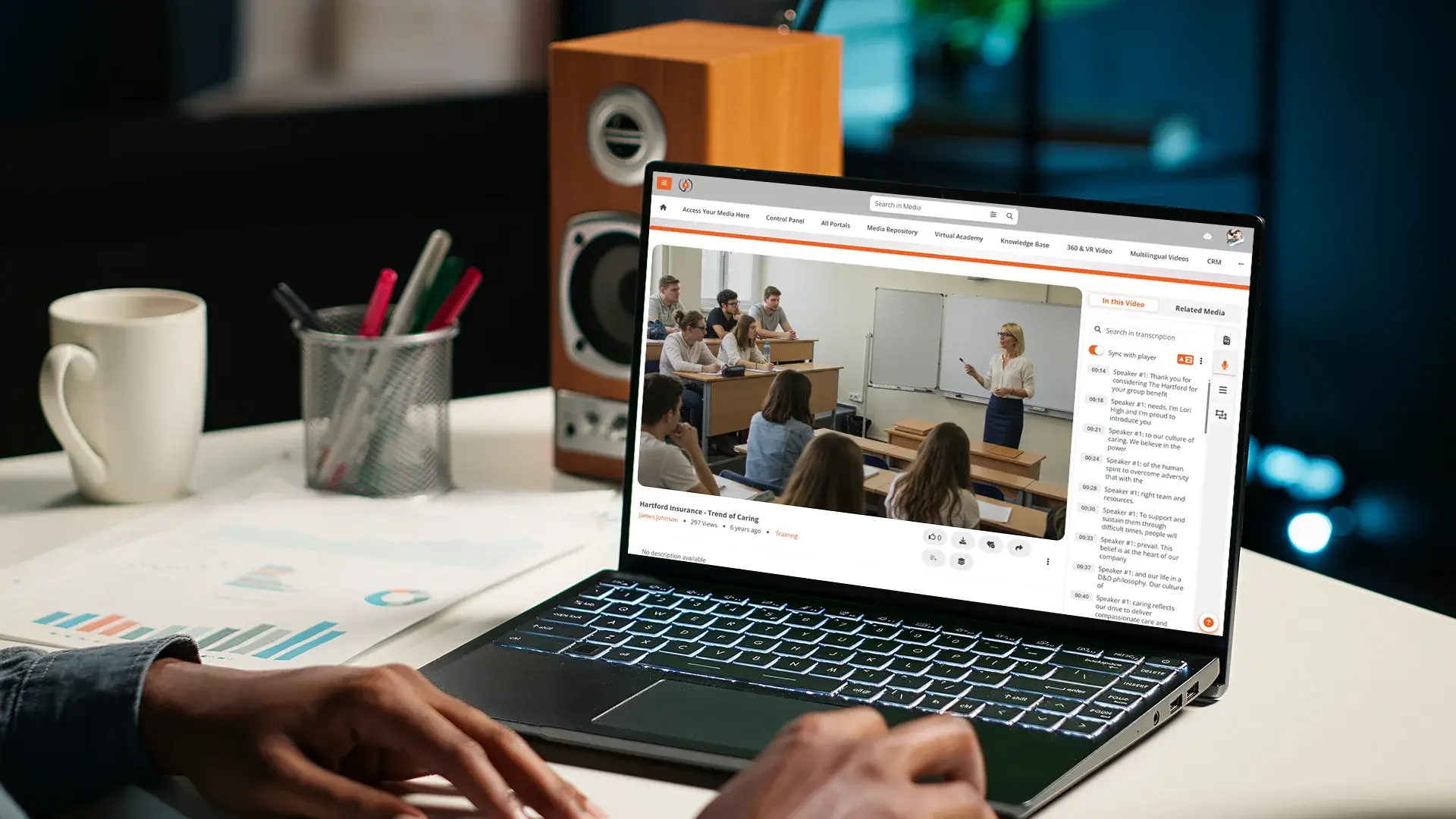
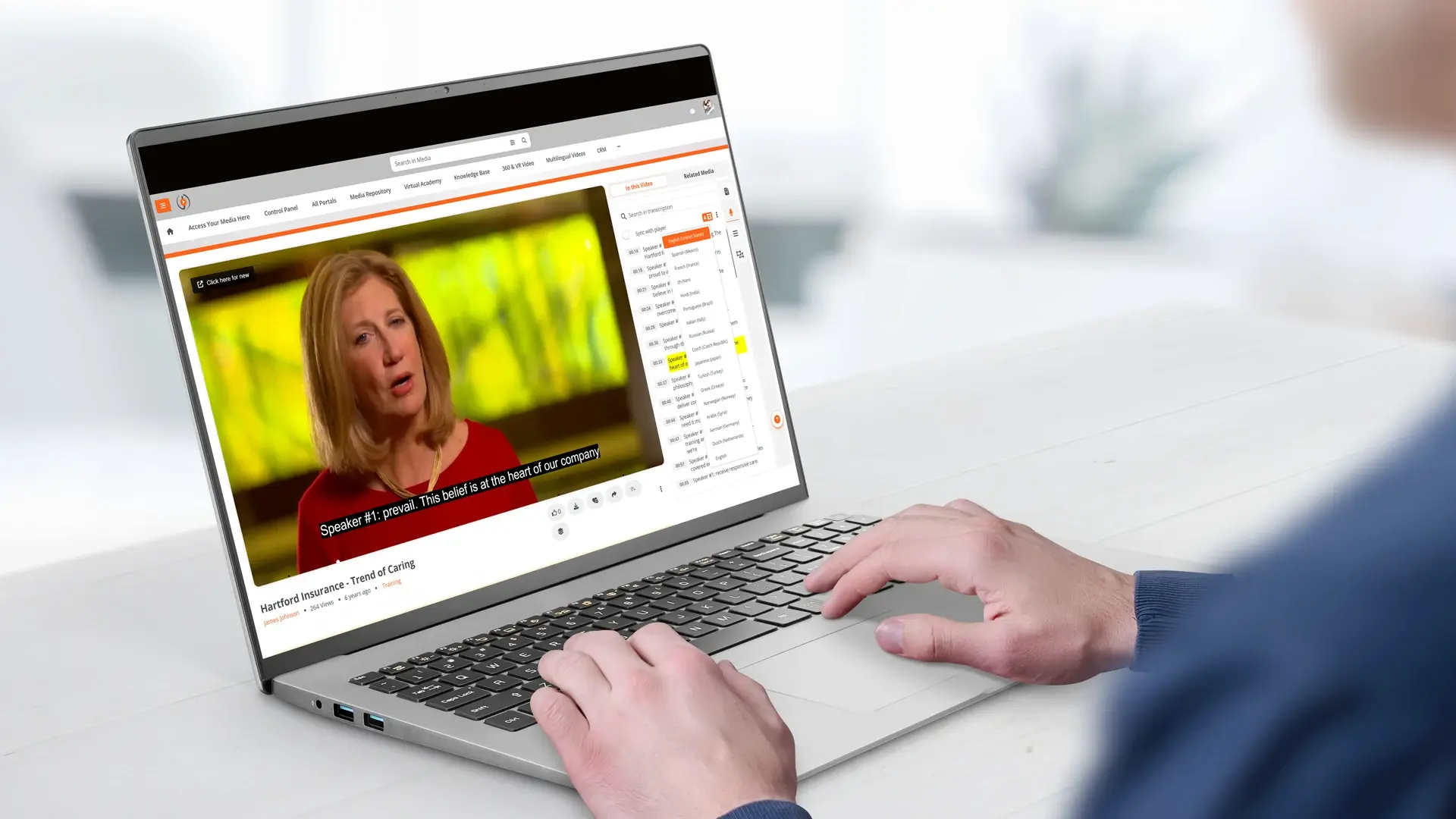
EnterpriseTube runs multi-signal in-video search natively. Every video uploaded to the platform gets AI-processed automatically. Transcription happens in 82 languages. OCR runs on on-screen text. Object detection tags visual content. Automatic chaptering breaks long recordings into topic segments. Automatic summarization produces a readable overview.
All five signals populate the search index. A user typing a query in the search bar gets back results from across every video in every portal they have access to, with timestamp deep-links into specific moments. Faceted search lets them narrow by date, uploader, category, portal, language, and content type when the library is big enough to need it.
Make Your Training Library Actually Usable
If your employees are giving up on the video library and asking coworkers instead, in-video search is the capability that turns that pattern around. The content stays the same. The ability to extract the useful 90 seconds from it changes everything.
Contact our team to see in-video search in action on real training content, or start a free trial and run your own searches against your own library.

About the Author

Jump to
Accessible Video for Education: Captions, Transcripts, WCAG Compliance
How to Turn English Training Videos into a Multilingual Library


No Comments Yet
Let us know what you think