
Turn Events and Webinars into Reusable Growth Assets
Host and stream webinars with interactive engagement, then publish recordings and follow ups to extend reach after the live session.


Scalable streaming
Host live events and webinars for audiences joining from diverse locations and devices.

Interactive engagement
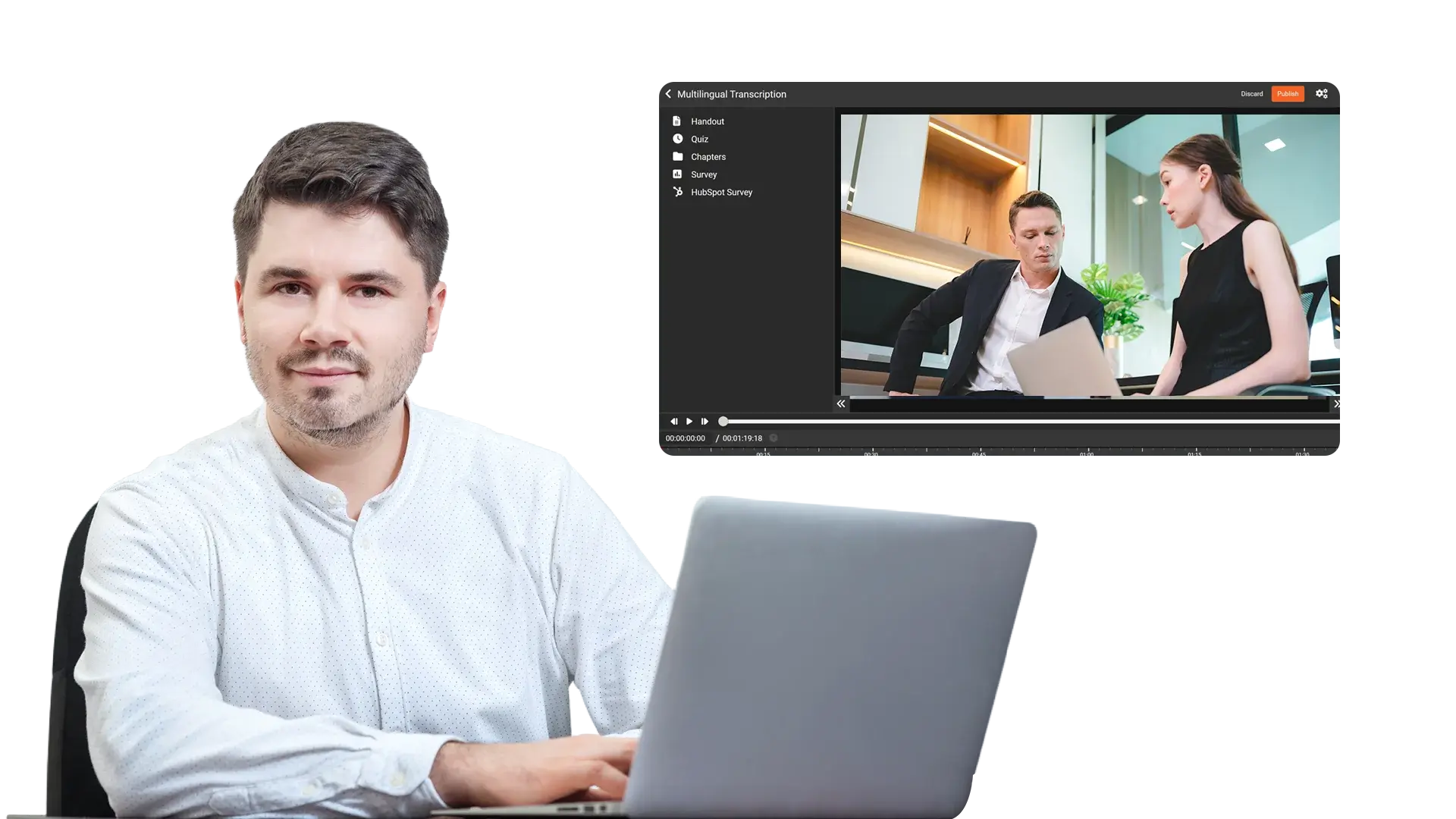
Use quizzes, surveys, handouts, and embedded forms to drive participation during live and on demand viewing.

Highlights and reusability
Managed recordingsPublish replays with chapters and controlled access so recordings keep working after the event

Analytics and insights
Track attendance, engagement, completion, and drop off with viewer level activity to improve future sessions.

Ingest
Schedule and stream a live webinar, then capture the session for replay automatically.

Index
Prepare recordings with basic structure such as chapters and key segments for easy navigation.

Ask
Review engagement and identify moments for recaps, clips, and follow up distribution.

Reuse
Publish replays, share clips, and embed recordings while keeping access aligned to audiences.
Reliable Live Delivery
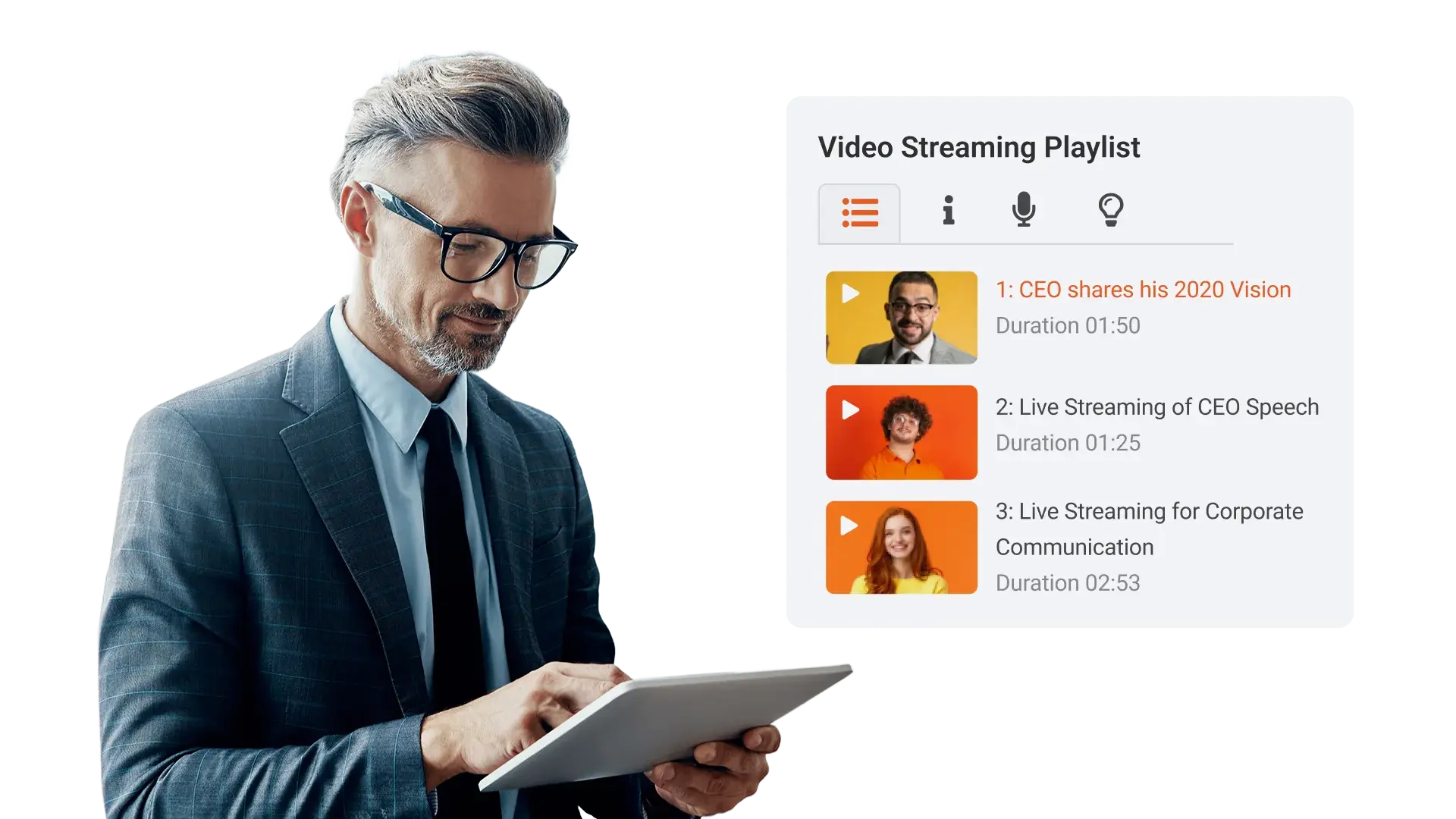
Host webinars with dependable streaming, interactive engagement tools, and a viewer experience that works across devices and locations.- Stream to large audiences with a consistent viewing experience
- Run live chat, Q and A, quizzes, and surveys to keep attendees engaged
- Collect viewer details with embedded forms during key moments

Multi Session Events
Run keynotes, breakouts, and track based programming, then publish an on demand experience for attendees who missed sessions.- Organize sessions by track, topic, and audience
- Publish replays with chapters so viewers jump to the right segment
- Share handouts and resources directly inside the player
Post Event Follow Up
Turn event attendance into sustained interest by publishing replays fast and using clips for recaps, nurture, and sales follow ups.- Publish recordings quickly to keep momentum after the event
- Share short clips and key moments for follow ups and recaps
- Embed replays securely on landing pages and portals

Owned Event Experience
Deliver webinars on a brandable platform so your event looks and feels like your product, then embed replays wherever your audience is.- Customize the player and experience to match brand identity
- Use registration forms to capture interest and route leads
- Host replays on a custom URL and embed on web properties

All Hands and Updates
Stream internal town halls and updates, then publish recordings to defined audiences with controlled access and viewing insights.- Stream leadership updates with interactive Q and A
- Publish replays to internal portals for regions and shifts
- Track engagement and drop off to improve future sessions

Secure access
Brand and distribution control
Traceable sharing
