
Remote Workforce Video Communications Hub
Support remote collaboration, company wide communication, and alignment across locations without adding meetings.


Centralized communications
Publish meetings, updates, and announcements in one controlled destination.

Reliable playback and access
Give teams dependable access to recordings when live attendance is not possible.

Highlights and reusability
Create reusable highlights so teams stay aligned across shifts and regions.

Permissions and oversight
Control access by role and region with visibility into usage.

Ingest
Capture meetings, walkthroughs, and updates, then organize them by audience and purpose.

Index
Make content easy to find so teams can catch up without replaying full recordings.

Access
Give employees on demand access to recordings and updates across devices and locations.

Reuse
Share highlights, summaries, and approved guidance across teams and shifts.
Operations and Support at Scale
Reduce repeat coordination and speed up execution by keeping remote teams aligned with recorded updates and shared guidance.- Publish operational updates and walkthroughs for remote teams
- Distribute updates to the right groups by role and region
- Monitor engagement and access for oversight

Onboarding and People Programs
Help new hires start strong with consistent onboarding updates and people program communication across regions.- Standardize onboarding across time zones and locations
- Share policy updates with clear context and traceable access
- Support global teams with captions and translations

Faster Answers for Frontline Teams
Keep agents aligned with product changes and issue handling, then reuse approved updates across shifts.- Publish short walkthroughs for common support workflows
- Add polls, forms, and handouts to drive follow through
- Reduce handoffs by keeping context attached to decisions

Decisions, Reviews, and Incident Learning
Keep engineering teams aligned across time zones by publishing key reviews, incident updates, and decisions for later viewing.
- Reuse recorded reviews without requiring real time attendance
- Publish incident updates to the right portals and groups
- Reduce repeated walkthroughs with reusable recordings and highlights

Consistent Messaging Across Regions
Keep messaging consistent across regions by publishing approved demos, talk tracks, and announcement updates.
- Reuse approved demo moments across regions
- Use targeted distribution with role based access control
- Measure engagement and completion to spot communication gaps
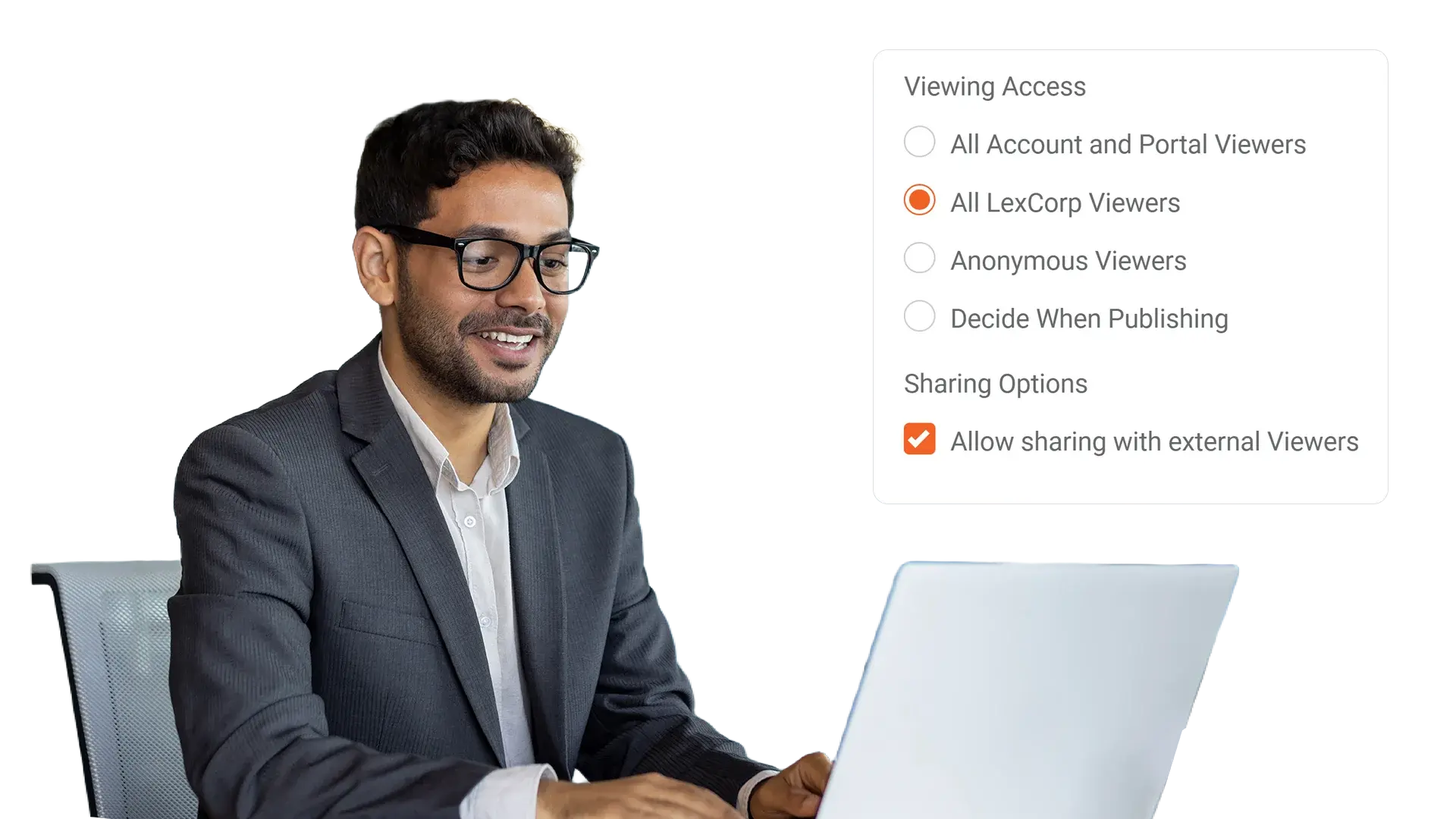

Boundaries stay enforced
Permissions apply to retrieval
Audit trails for accountability
