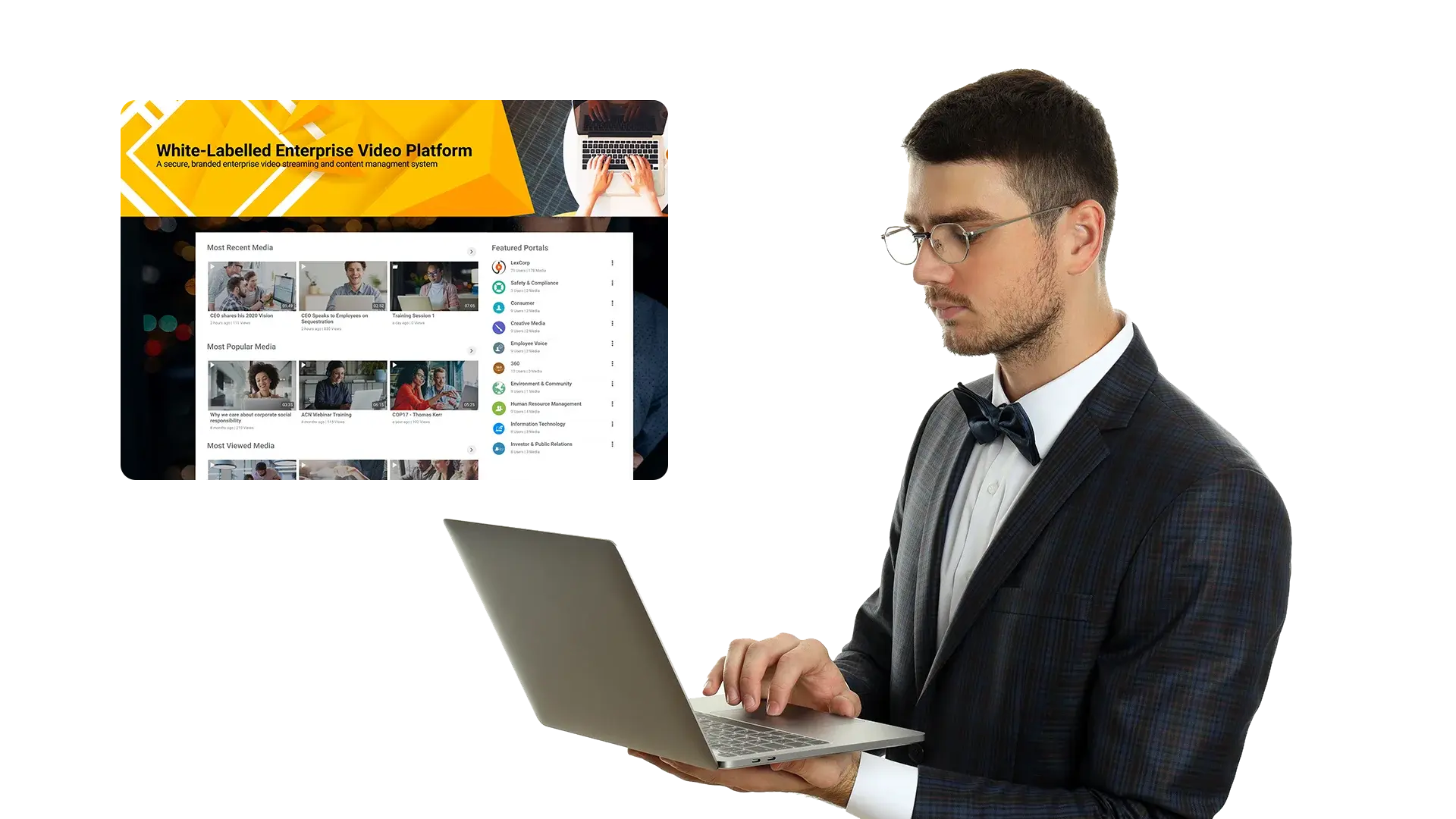
Corporate Communications Video Hub
Enable corporate communication with employees and stakeholders using interactive video, secure portals, brand management, collaboration integrations, and video analytics.


Town halls and live updates
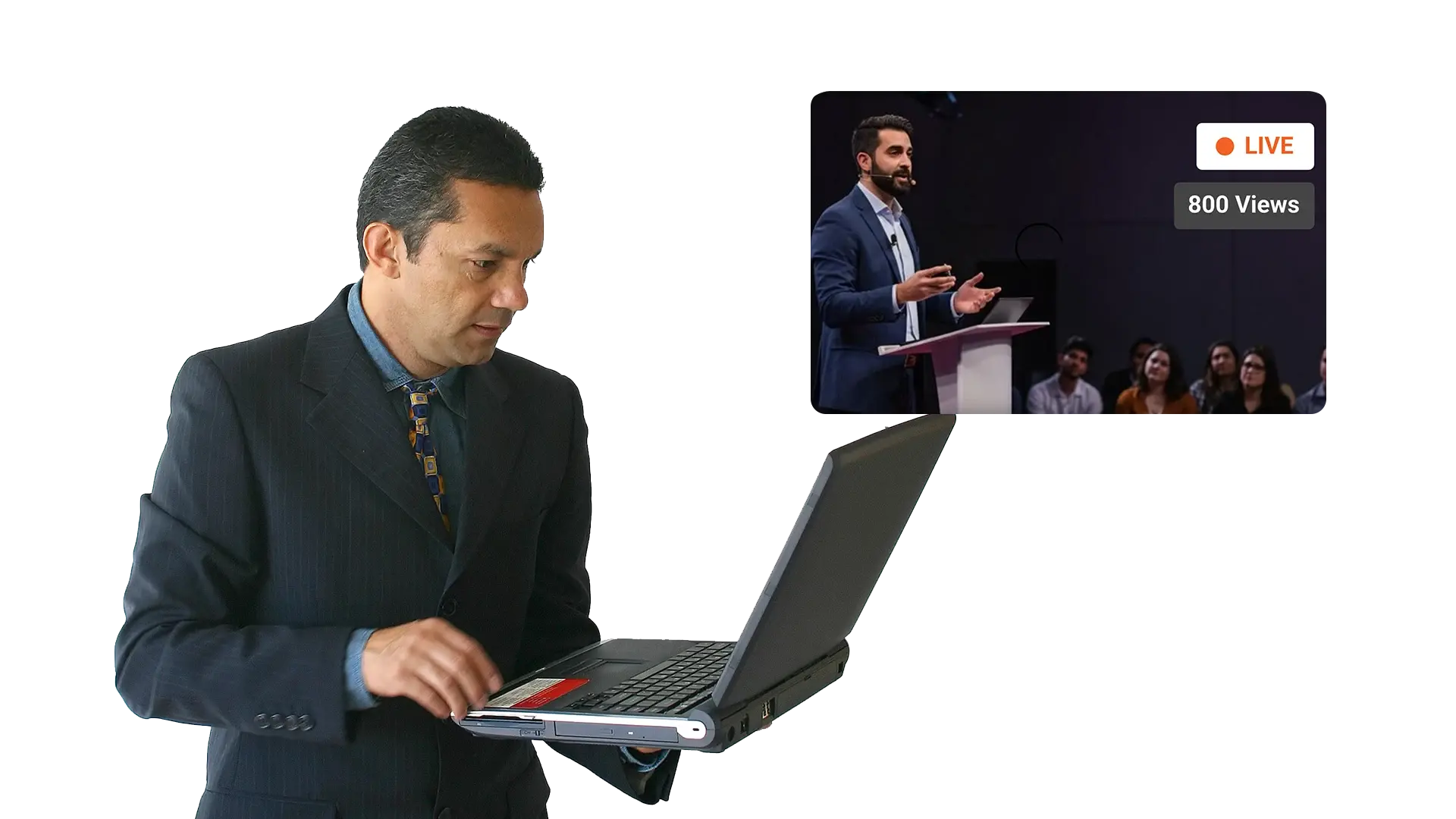
Host low latency town halls and CEO meetings with live chat and Q and A.

Secure internal portals
Create YouTube like portals to distribute updates to the right audiences with control.

Accessibility and inclusion
Use transcription, translation, and closed captions to support diverse teams.

Analytics and engagement
Track engagement, completion rates, and viewing patterns to improve communications.

Create
Record a town hall or upload a message, then add assets and interactive elements.

Enhance
Generate transcription, closed captions, and translations for accessibility.

Publish
Distribute through secure portals, embeds, and controlled links for each audience.

Measure
Use video analytics to track engagement, completion, and improvement opportunities.
Executive Communications
Run town halls and leadership updates with low latency streaming, live Q and A, and a secure on demand portal for employees.- Host low latency town halls with live chat and Q and A
- Publish recordings to secure internal portals for shift and region access
- Create highlights for managers and regional cascades
Company Wide Announcements
Launch announcements as interactive video updates, then reuse approved assets across campaign waves.- Add in video handouts, forms, polls, and CTAs for action
- Publish to targeted portals and groups with controlled sharing
- Track engagement, completion, and drop off to improve future releases
Policy and Compliance Communications
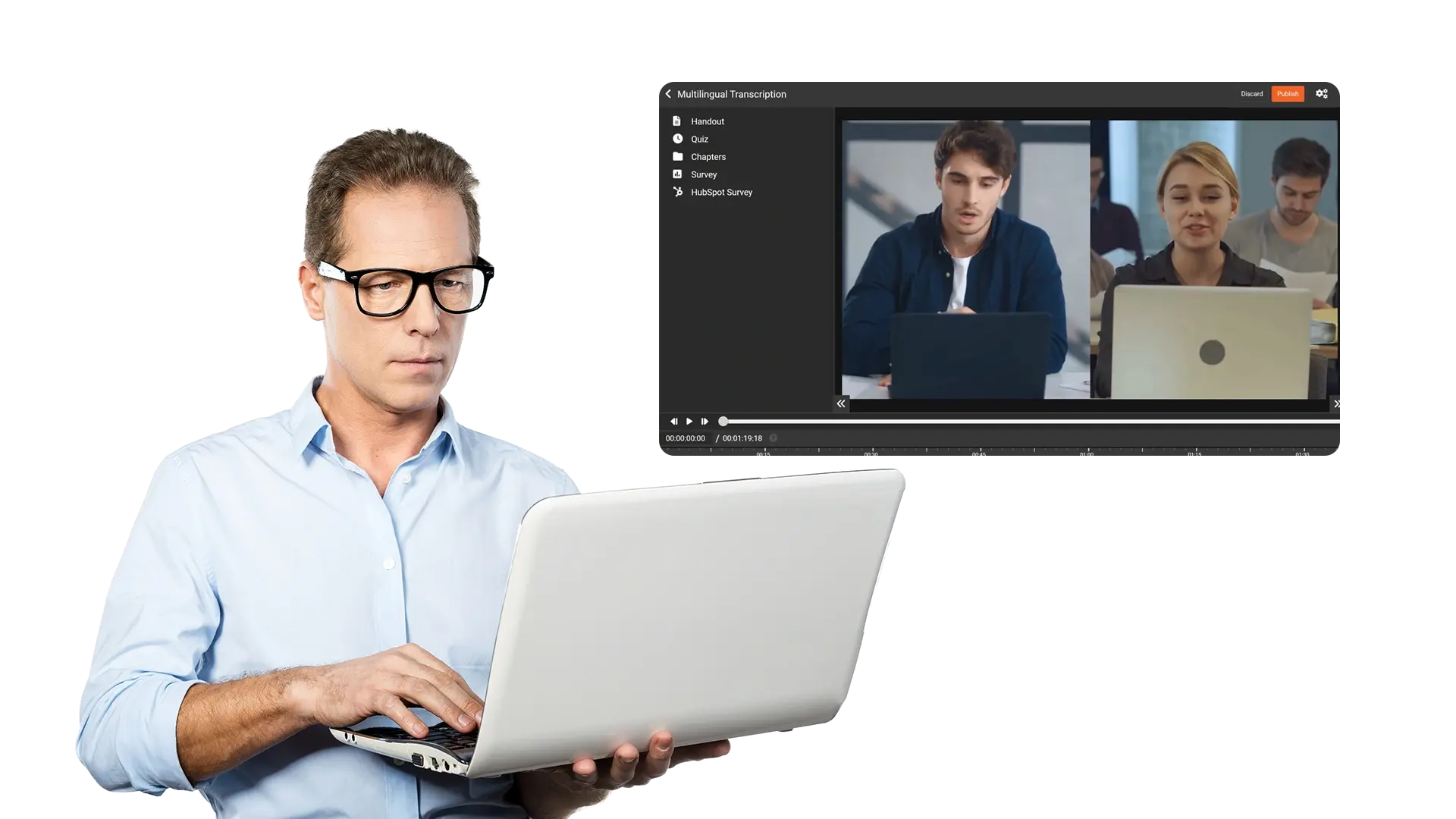
Communicate policy changes with clarity using transcripts, captions, and translations, plus controlled access for sensitive updates.- Auto generate transcription and closed captions for accessible communication
- Use translation to support diverse and global workforces
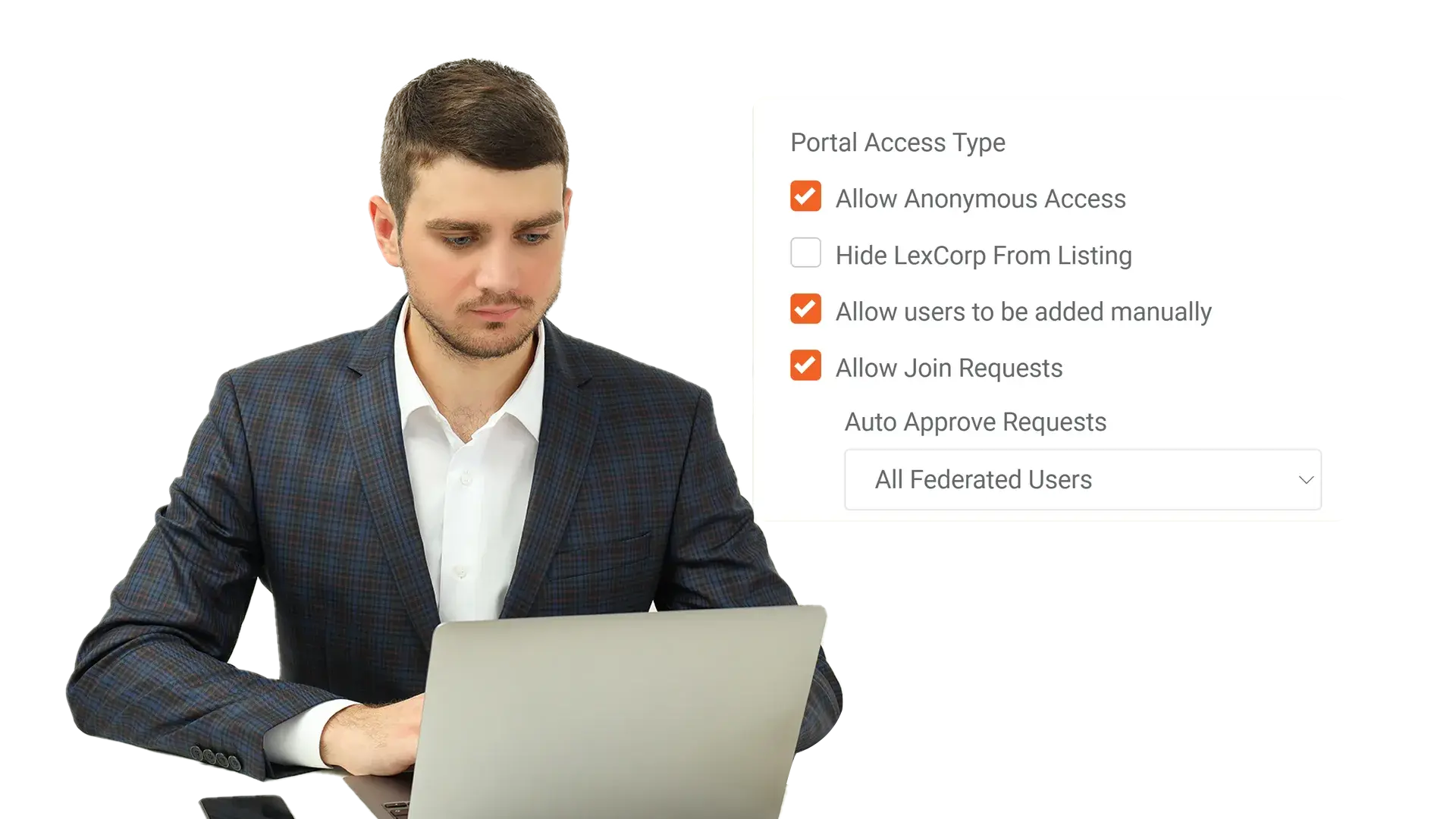
- Apply permissions, approvals, and retention for governed policy releases

Remote and Virtual Workforce
Support remote teams with integrated collaboration, low latency playback, and an accessible media library.- Integrate with Zoom and Microsoft Teams for smooth collaboration
- Reduce playback bottlenecks with low latency streaming
- Create an accessible internal media library for distributed teams

Crisis Communications
Publish rapid updates to defined audiences with controlled access, then preserve a reliable record for review.- Push urgent updates with permissions and targeted portals
- Pin critical collections for frontline guidance and repeated access
- Keep traceability with governance controls and access trails
Corporate Affairs and Brand Teams
Showcase brand identity on a brandable platform and securely embed media for internal and external alignment.- Customize branding with logo, colors, fonts, URL, and CSS
- Embed media securely on websites and portals
- Host immersive corporate events and product launches with curated portals