
by Ali Rind, Last updated: May 4, 2026
-2.png)
Video captioning is the synchronized display of text representing spoken content and meaningful non-speech audio (laughter, music cues, alarms, applause) inside a video. Video accessibility is the broader practice that captioning sits inside, covering audio descriptions for blind and low-vision viewers, transcripts for screen-reader users, and a player that meets WCAG conformance standards.
For a single marketing video, captioning is a task. Run it through a tool, paste the file in, done. For an enterprise video library with thousands of recordings across compliance training, town halls, customer education, and recorded meetings, captioning is a platform capability. The unit of work is not "this video," it is "every video the organization will ever produce, plus the back catalog already there." Treating captioning at enterprise scale the same way you treat a single YouTube upload is what gets organizations into compliance trouble.
This post covers what enterprise captioning actually requires, the difference between captions and other text-based accessibility features, where AI auto-captioning helps and where it does not, and what to evaluate in a platform that needs to handle accessibility for the whole library. For the broader context of how captioning fits into a managed enterprise video program, see our guide to enterprise video CMS.
Captions vs Subtitles vs Transcripts
The three terms get used interchangeably and they should not be.
Captions are same-language text of spoken content plus non-speech audio cues. They are designed for viewers who cannot hear the audio: deaf or hard-of-hearing employees, people watching in a quiet office without headphones, people in a noisy environment. Closed captions can be turned on or off; open captions are burned into the video.
Subtitles are text translations of spoken content into a different language. They assume the viewer can hear, so non-speech audio is usually omitted. The Spanish-language track on an English training video is a subtitle track, not a caption track.
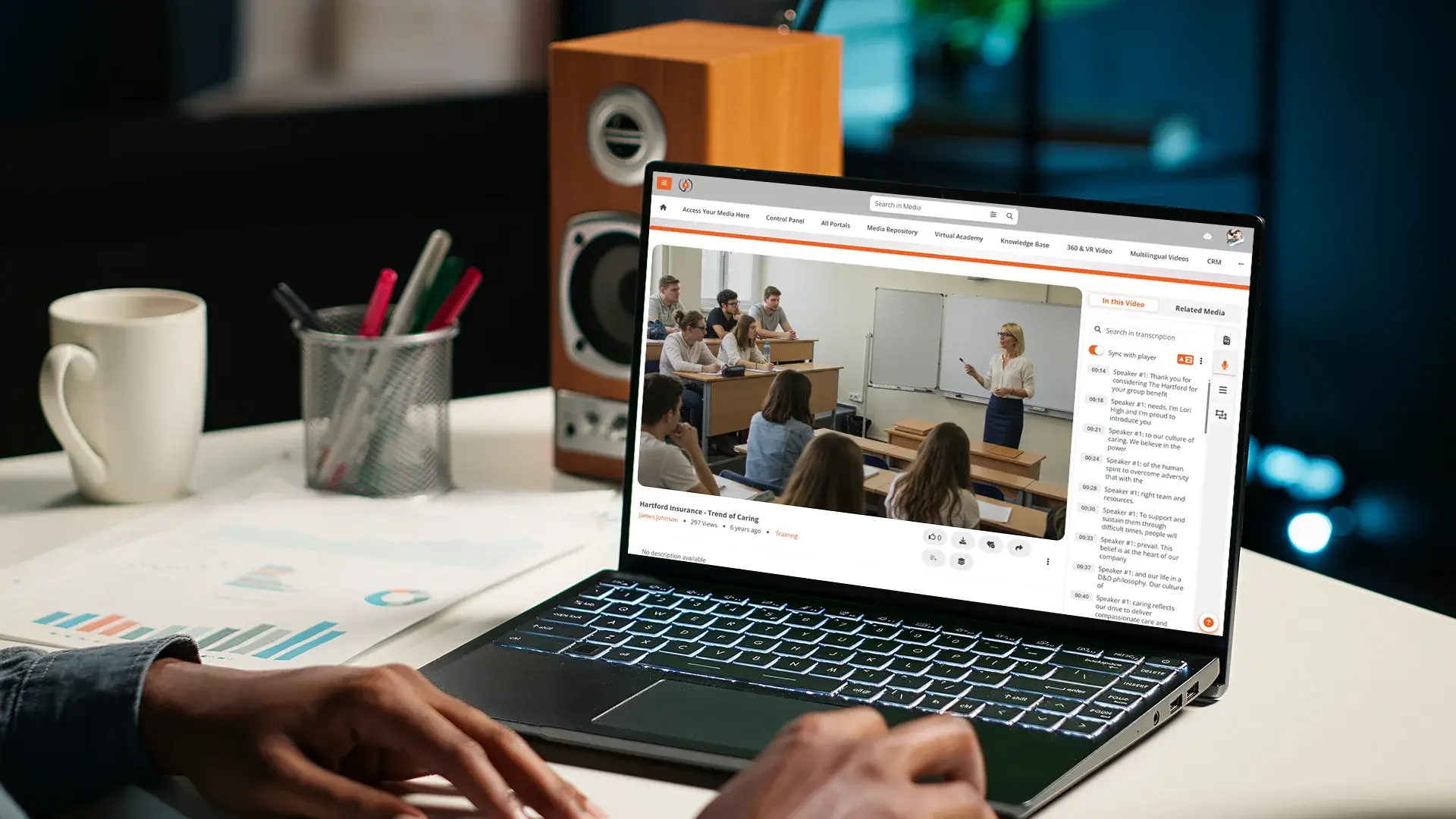
Transcripts are the full text version of the audio, not synchronized to the video timeline. Transcripts are searchable, screen-reader-friendly, and downloadable as a document. A WCAG-conformant video typically has both captions (for synchronized viewing) and a transcript (for non-linear access). For organizations that need translation across language tracks, see our post on editable AI video translation for multilingual training.
The Four Pillars of Accessible Video
Accessibility for enterprise video is not just captions. Four elements need to be in place for a video to be genuinely accessible.
Closed captions as defined above. Synchronized text of speech and non-speech audio, toggleable, styled for readability. WCAG 2.2 AA requires captions for any pre-recorded audio content.
Audio descriptions are a separate audio track that describes visually meaningful action for blind or low-vision viewers. When a presenter points to a chart that drives the next three minutes of discussion, audio description narrates what the chart shows. WCAG 2.2 AA requires audio descriptions for pre-recorded video where visual content carries information not conveyed by the soundtrack.
Transcripts are the full text version, used by screen readers and indexed by search. A transcript also turns a video into a research artifact: every word is searchable, every passage is quotable, every reference is linkable.
An accessible player and platform are the foundation under everything else. Captions and transcripts are useless if the player itself is not keyboard-operable, screen-reader-friendly, and readable at high contrast. The platform also needs to support accessible upload, navigation, and search for content authors and library administrators, not just end viewers.
Why Enterprise Captioning is Different
Per-video captioning workflows do not scale. Five things break when you try to apply them across an enterprise library.
Volume. A 50,000-employee organization with five years of recorded town halls, training, and customer-facing webinars is sitting on tens of thousands of video assets. Captioning each one through a third-party service at $5 to $15 per minute reaches seven figures fast.
Languages. A global workforce needs captions in the language each region speaks, not just English. Manual multi-language captioning multiplies cost by the number of language tracks.
Compliance audit trails. A federal contractor under Section 508, a healthcare organization under ADA Title III, or a public university under both needs records: which videos have captions, when they were generated, who reviewed them, when corrections were applied. Email threads with captioning vendors do not satisfy auditors.
Legacy back catalogs. New videos can be captioned at upload. The two thousand recordings already in the library still need captions, retroactively, on a budget that was approved for forward-looking content.
Caption editing workflows. Auto-generated captions need correction. Industry-specific terminology, vendor names, product codes, and acronyms come back wrong on the first pass. Editing has to happen inside the platform, not as a download-edit-reupload loop, or it does not happen at all.
Auto-Captioning: What Works and What Does Not
Modern AI transcription is good enough to be the default starting point for enterprise captioning. The Whisper-based engines underneath most enterprise platforms hit Word Error Rates under 10% for most major languages: English at around 4.5%, Spanish at 3.5%, Italian at 4.2%, German at 5.5%, French at 7.7%. That maps to roughly 95% to 96% caption accuracy on the first pass for clear narrator-led content in those languages.
Where AI struggles, predictably:
- Industry jargon, proprietary vendor and product names, and unusual acronyms
- Multiple speakers talking over each other, especially with background noise
- Strong regional accents that the model has limited training data for
- Domain-specific terminology in regulated industries: drug names, legal citations, technical part numbers
- Languages with smaller training data sets, where Word Error Rates climb into the 20% to 30% range
The 95% threshold is industry shorthand for "good enough to use." It is not a regulation.
WCAG 2.2 does not specify a numeric accuracy floor, but case law and FCC closed captioning quality guidance make clear that captions need to be accurate, complete, synchronized, and properly placed.
For high-stakes content (compliance training, legal proceedings, medical instruction, public-facing government communication), human review of AI-generated captions is still the standard, not optional.
The platform's job is to make the review fast: AI does 95% of the work, a reviewer fixes the 5% that matters.
What to Look For in an Enterprise Video Platform
The platform-level evaluation comes down to whether the system handles captioning and accessibility for the whole library, not just per-video.
-
Start with caption accuracy across the languages you actually need. Published Word Error Rates by language tell you whether AI captions will start at "almost done" or "needs heavy review" for your workforce.
-
Editable captions inside the platform are non-negotiable. If correcting a vendor name in the Spanish track requires exporting a VTT, editing it in another tool, and re-uploading, the workflow does not survive enterprise volume.
-
Audio description support matters next. This needs to cover both an additional audio track upload and a picture-in-picture overlay for ASL interpretation.
-
Transcript export should use standard formats — VTT, SRT, and plain text — for use in LMS imports, document publishing, and external archival.
-
The player itself needs to be WCAG-conformant. Tested with major screen readers (JAWS, NVDA, VoiceOver), keyboard-operable, with adjustable caption appearance and high-contrast modes.
Two pieces of operational machinery often get missed in evaluations and matter at scale.
The first is bulk captioning for the legacy catalog. Can the platform queue every existing video for AI captioning automatically, or does each one need to be triggered by hand?
The second is audit logs. Does the platform record every caption action (generated, edited, approved) with user, timestamp, and content reference, in a format an auditor can read?
Without these, captioning at scale either does not happen or does not survive an audit.
Captioning and Accessibility at EnterpriseTube
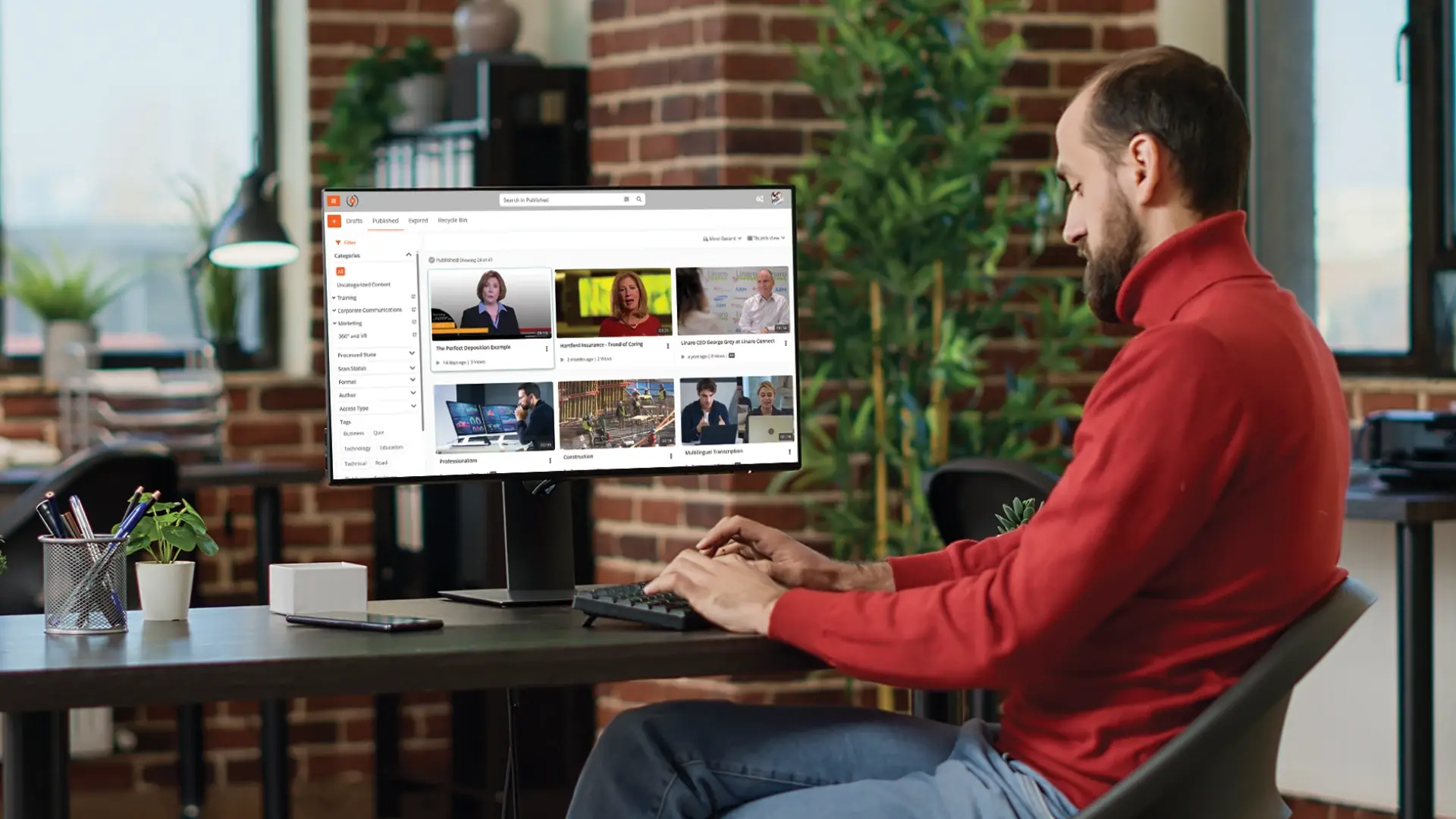
EnterpriseTube generates AI transcripts and editable closed captions across 82 supported languages on every video uploaded. Word Error Rates are published per language, so accessibility teams know where AI alone is sufficient and where human review needs to be budgeted. Captions are editable inline, with corrections that save per video. Transcript export supports VTT, SRT, and plain text, alongside picture-in-picture ASL overlays and extended audio descriptions.
The viewer-facing player supports Section 508 / WCAG 2.2 AA conformance: keyboard-operable controls, screen reader compatibility (JAWS, NVDA, VoiceOver), adjustable caption appearance, and Windows High Contrast Mode. Multi-language portal support means a Spanish-speaking employee gets captions, interface, and transcripts in Spanish without administrators maintaining a separate portal. For high-stakes content, the platform is designed for human review, not auto-publish, so reviewers fix the terms that matter rather than transcribing from scratch. For an example of how that workflow plays out, see our post on editable AI video translation.
To see how the platform handles your specific accessibility requirements, start a free EnterpriseTube trial or talk to the team.

About the Author

Jump to
Accessible Video for Education: Captions, Transcripts, WCAG Compliance
Video Content Accessibility for Law Firms

No Comments Yet
Let us know what you think