
Host and Share Video Marketing at Enterprise Scale
Host, share, and manage video marketing content in one place so teams deliver campaigns, events, and collateral with consistent access and brand control.


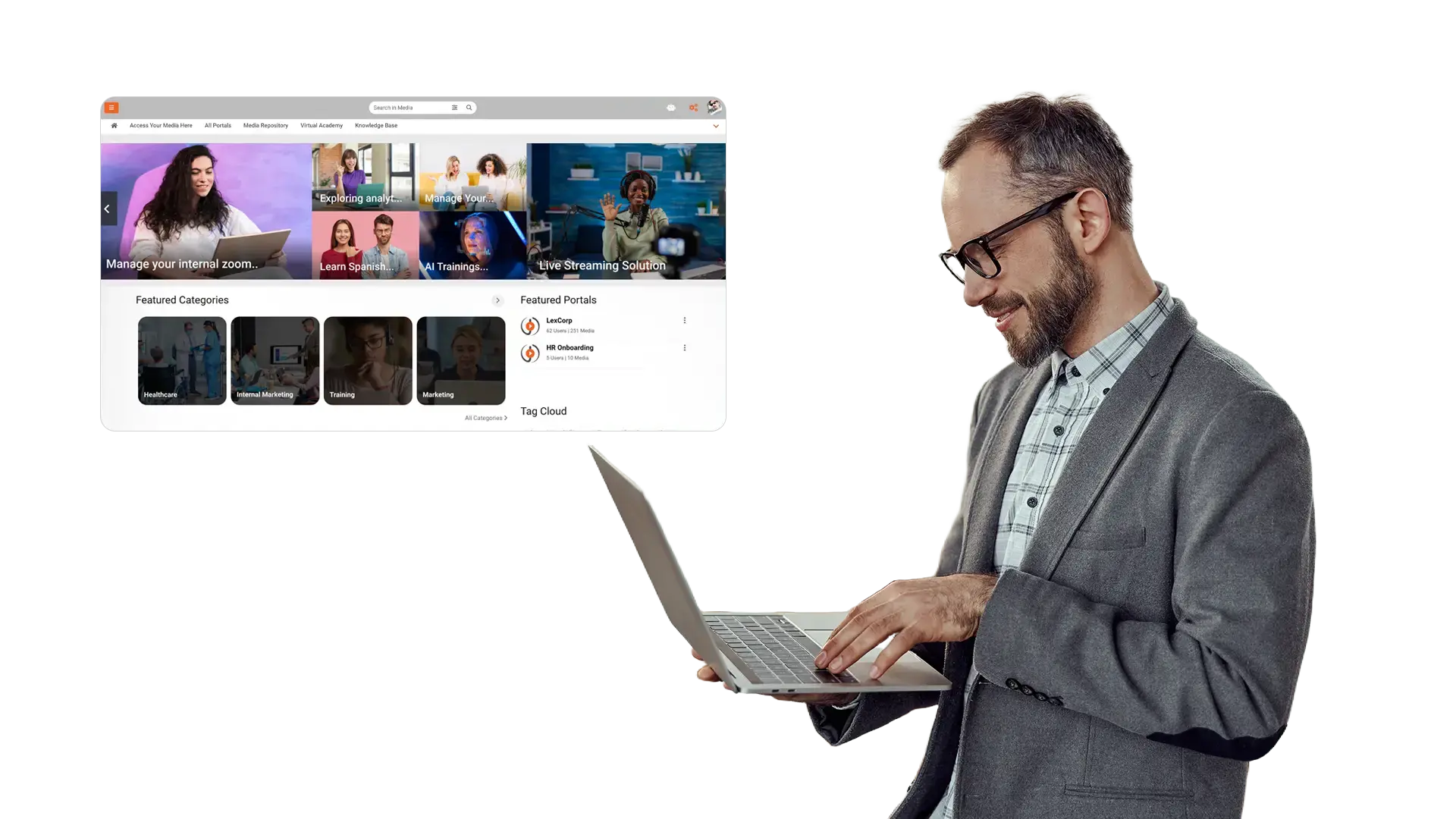
Centralized video hosting
Host campaigns, webinars, demos, and interviews in one place so teams share content reliably and capture viewer intent during playback.

Controlled sharing with context
Share videos and segments with clear context so reviewers approve faster and teams share with confidence.

Live, on-demand video
Support live and on demand video with chapters, highlights, quizzes, surveys, handouts, forms, and engagement metrics.

Approvals and brand control
Control who can view, share, and repurpose assets so content stays aligned with brand and policy.

Ingest
Upload videos from campaigns, webinars, demos, and interviews, then organize assets by launch, product, and audience.

Organize
Organize content by campaign, product, and audience so teams know what to share and where.

Review
Route videos for review and approval, then publish interactive experiences with quizzes, surveys, handouts, and forms teams know are ready to share.

Share
Share approved videos across teams, regions, and partners with clear visibility into status and performance.
Marketing Communications
Host brand videos and announcements with controlled sharing, interactive elements, and fast playback across devices.- Publish videos to brand portals and pages with controlled links for each audience
- Add quizzes, surveys, handouts, and forms to drive action during playback
- Track views, engagement, and drop off to improve the next release

Demand Capture
Turn video into a lead capture channel by embedding forms in video, securing embeds, and measuring conversions.
- Insert forms at the right moment to capture MQL details during viewing
- Embed media securely on landing pages and partner pages without exposing source files
- Use performance signals to refine hooks, CTAs, and follow up sequences
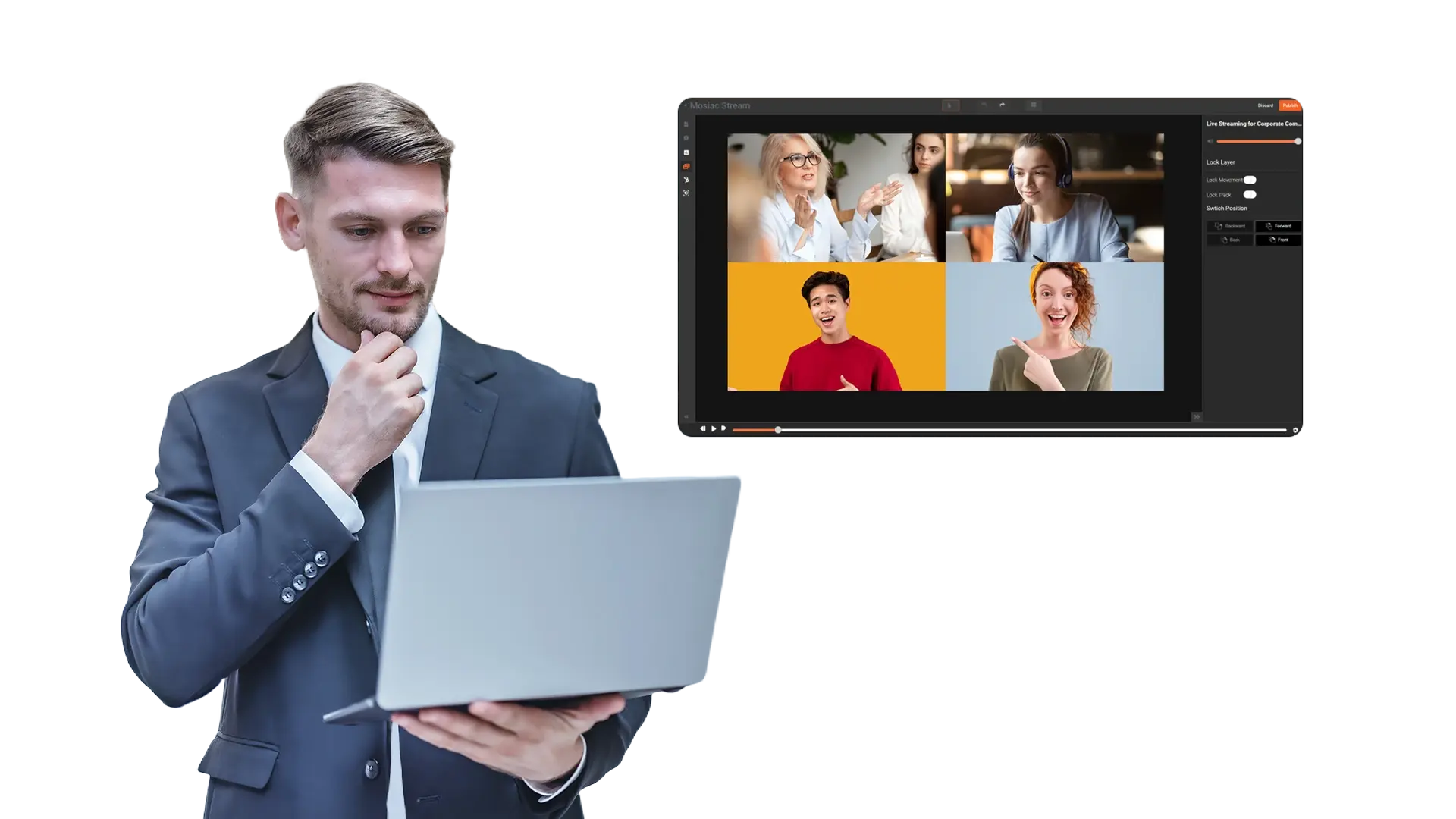
Live and On Demand Events
Run webinars and virtual events with live interaction, then publish recordings to gated portals for ongoing demand.- Host live sessions with chat and Q and A, then publish recordings for on demand viewing
- Add surveys and handouts to collect feedback and share resources during the session
- Measure attendee engagement, completion, and drop off to improve future events
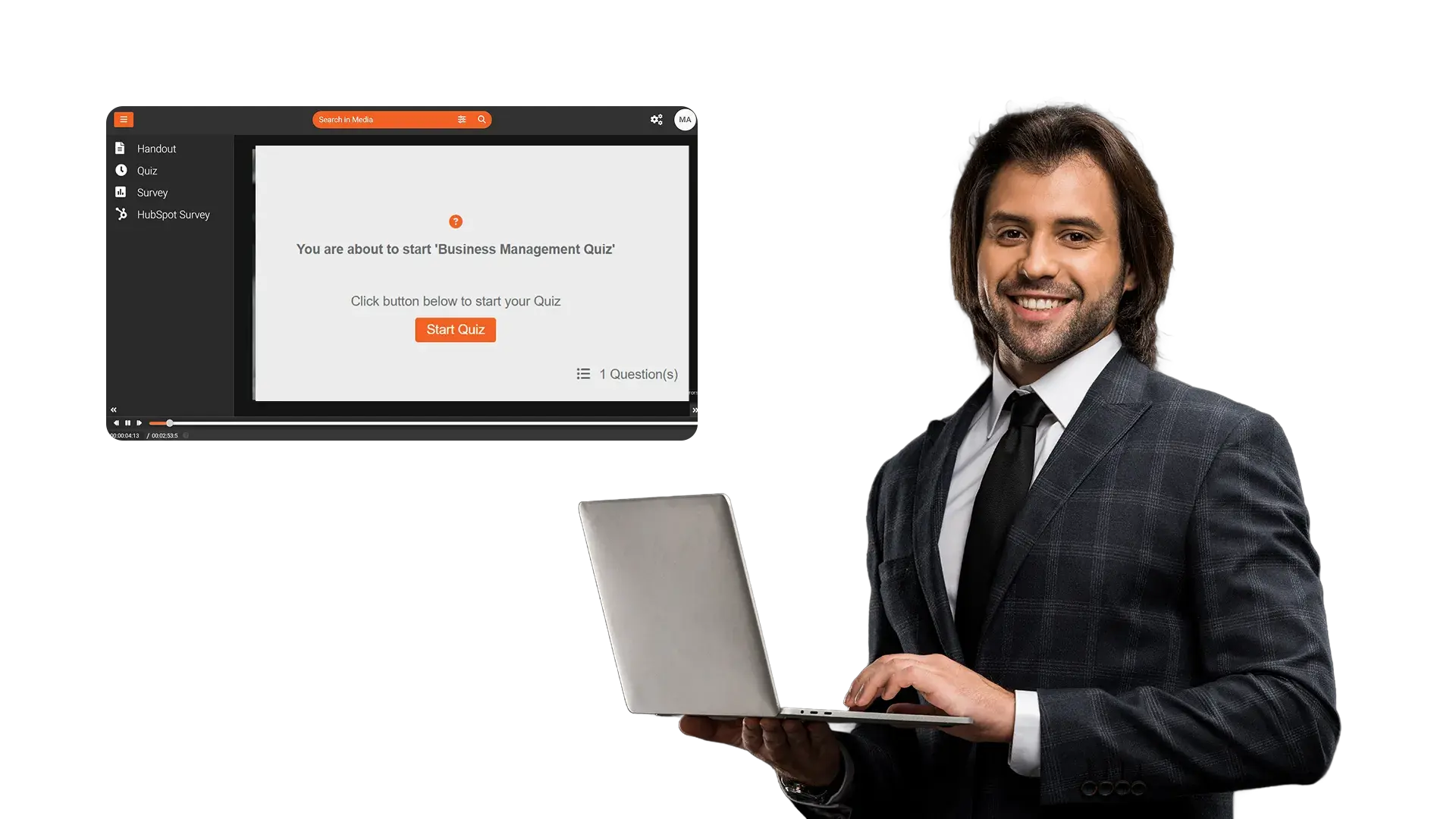
Targeted Sharing
Deliver invite only content to specific accounts, regions, and partners with controlled access and clear status.- Create invite only portals for key accounts, partners, and communities
- Control access and sharing so content stays aligned with each audience
- Keep versions clear so teams share the current asset set for each campaign wave
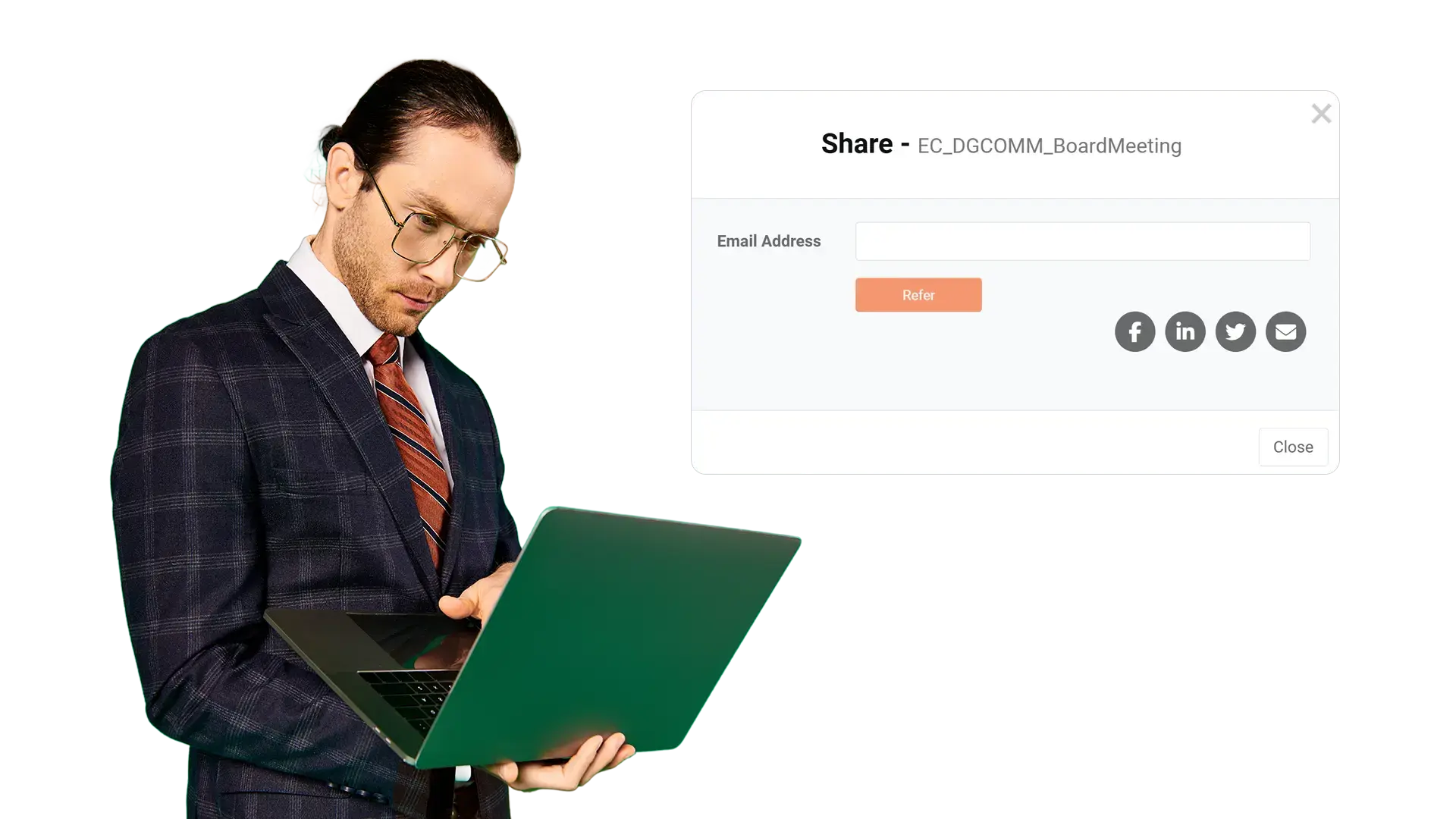
Performance and Optimization
Use media analytics to understand what works, then optimize distribution, creative, and follow up.
- Review engagement trends and viewer behavior to spot drop off points
- Compare performance by audience and channel to refine targeting
- Republish improved cuts and CTAs based on what viewers complete and click
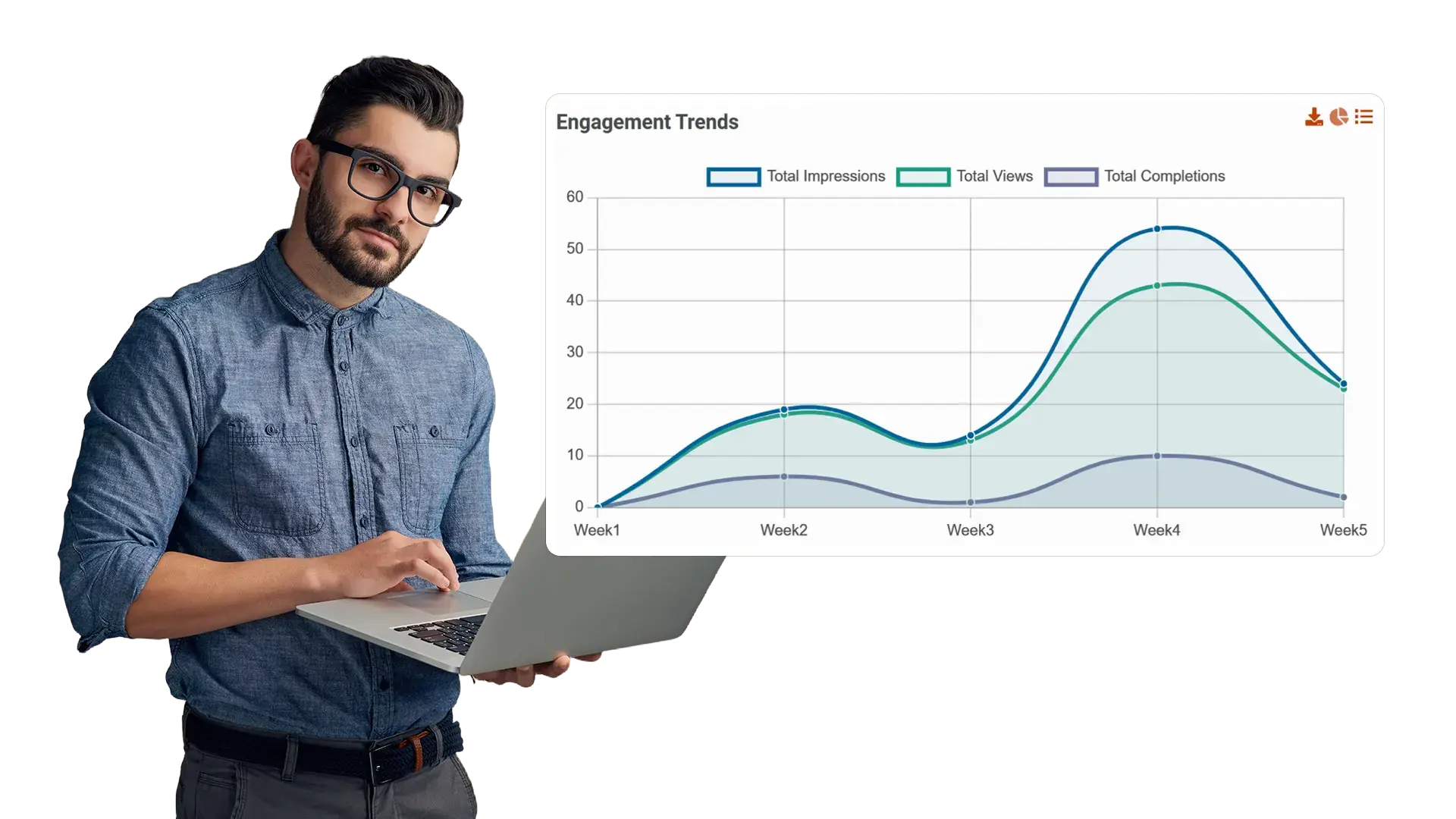
Brand Control and Embeds
Deliver a branded viewing experience and secure embeds so videos match your identity across sites and portals.
- Apply logo, colors, typography, and portal layout to match brand guidelines
- Embed media securely across websites and portals with controlled sharing
- Use portals and collections to present campaign collateral in a clear journey

Video as file storage
Reuse without sourcing
Governance after sharing

Video as shared marketing asset
Faster approvals with traceability
Governance at publish time
Bounded access
Audit ready traceability
Aligned with review workflows
