
AI Powered Video Knowledge Base for Regulated Organizations
Turn enterprise video into searchable, citable knowledge. Ask questions. Get answers with sources, timestamps, summaries, and timelines across video, audio, documents, and images.


Centralized video library
Bring video, audio, documents, and images into one governed knowledge base.

AI answers with citations
Ask questions and get answers backed by source files and timestamps.

Summaries and timelines
Turn long recordings into summaries, highlights, and cross file timelines.

Enterprise governance
Control access with SSO, permissions, retention, audit logs, legal hold, and workflow based approvals.

Ingest
Bring video and media into one governed library from Teams, Zoom, SharePoint, storage systems, LMS, CMS, and APIs.

Index
Transcribe and structure content with timestamps, chapters, and metadata aligned to permissions.

Ask
Users ask a natural language question and receive answers generated from approved content, with citations and timestamps.

Reuse
Save outputs as summaries, timelines, highlight clips, collections, and portals for controlled sharing.
IT and Platform Teams
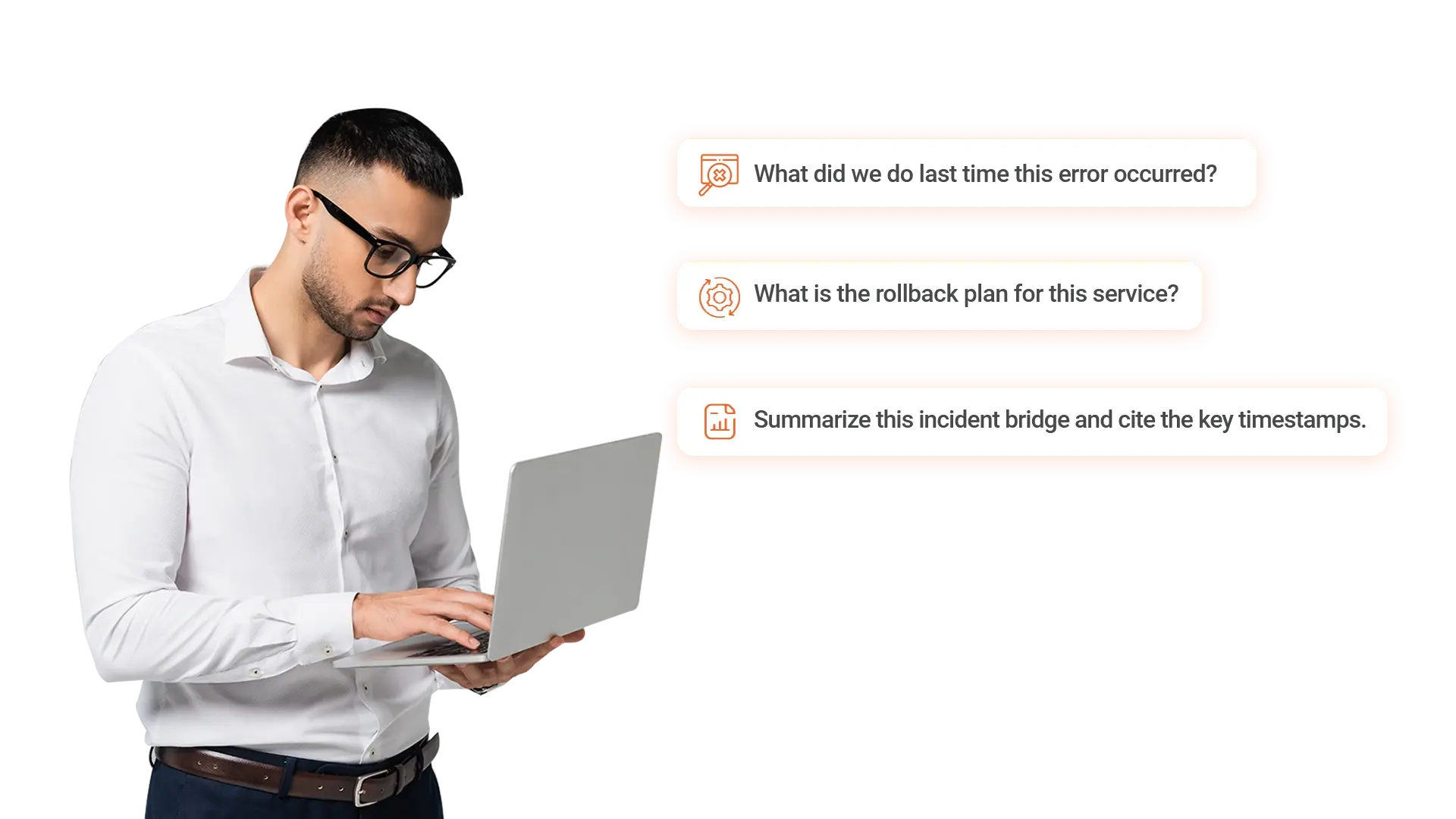
Capture operational and incident knowledge from recordings so teams can resolve issues faster and avoid repeat work.- Find fixes and rollback steps from past incident bridges
- Generate summaries and timelines from post incident reviews
- Route answers and outputs into the right libraries and teams
People and HR Teams
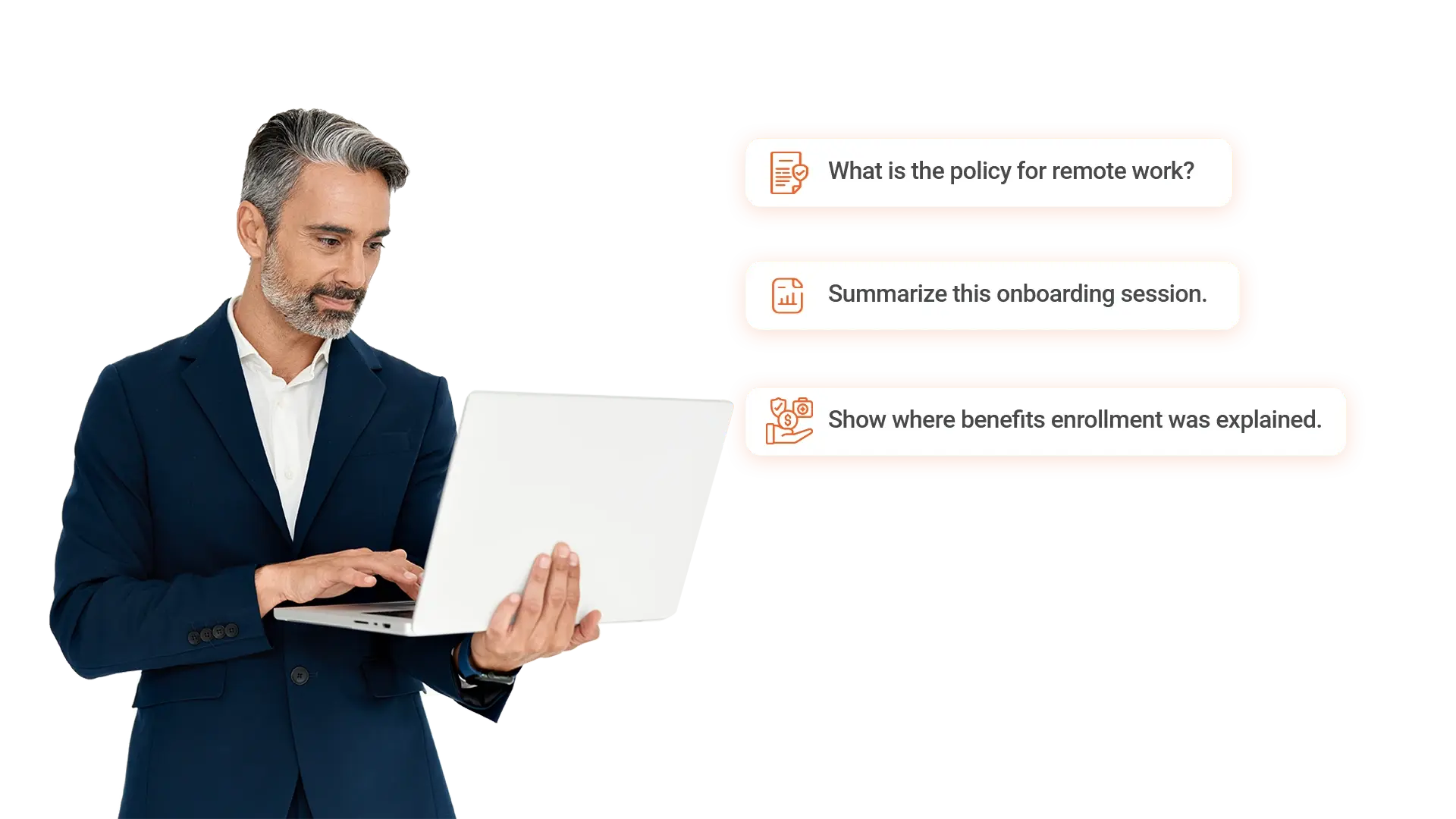
Preserve people knowledge and policies across onboarding, training, and internal communications.- Answer policy and benefits questions with citations
- Summarize onboarding and training sessions
- Create reusable clips for common HR topics
Finance and Accounting Teams
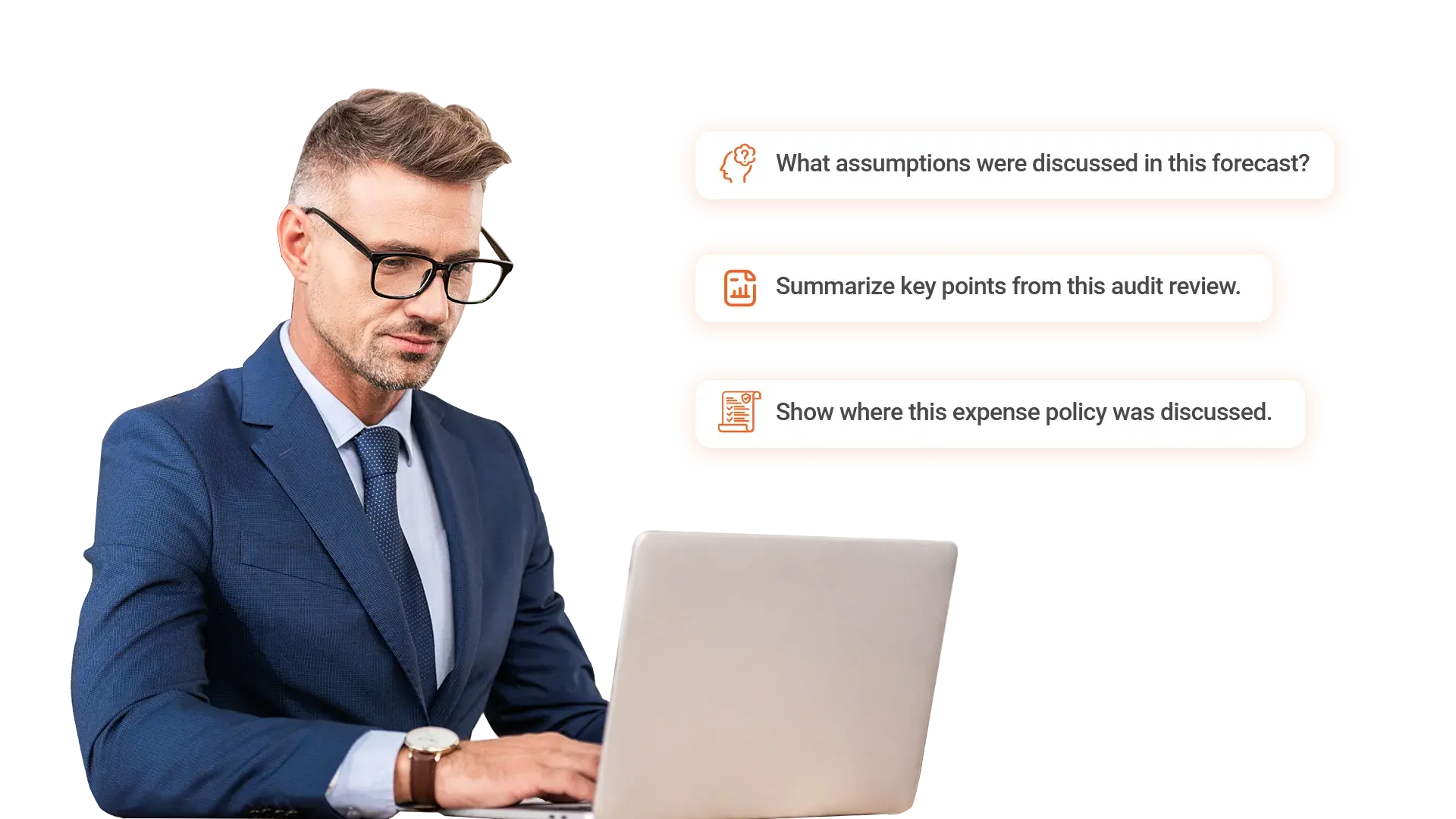
Turn financial reviews, audits, and planning discussions into searchable knowledge with traceable sources.- Answer questions from budget reviews and financial meetings
- Summarize audits, close meetings, and forecasts
- Create reference clips for recurring finance processes
Sales and Revenue Teams
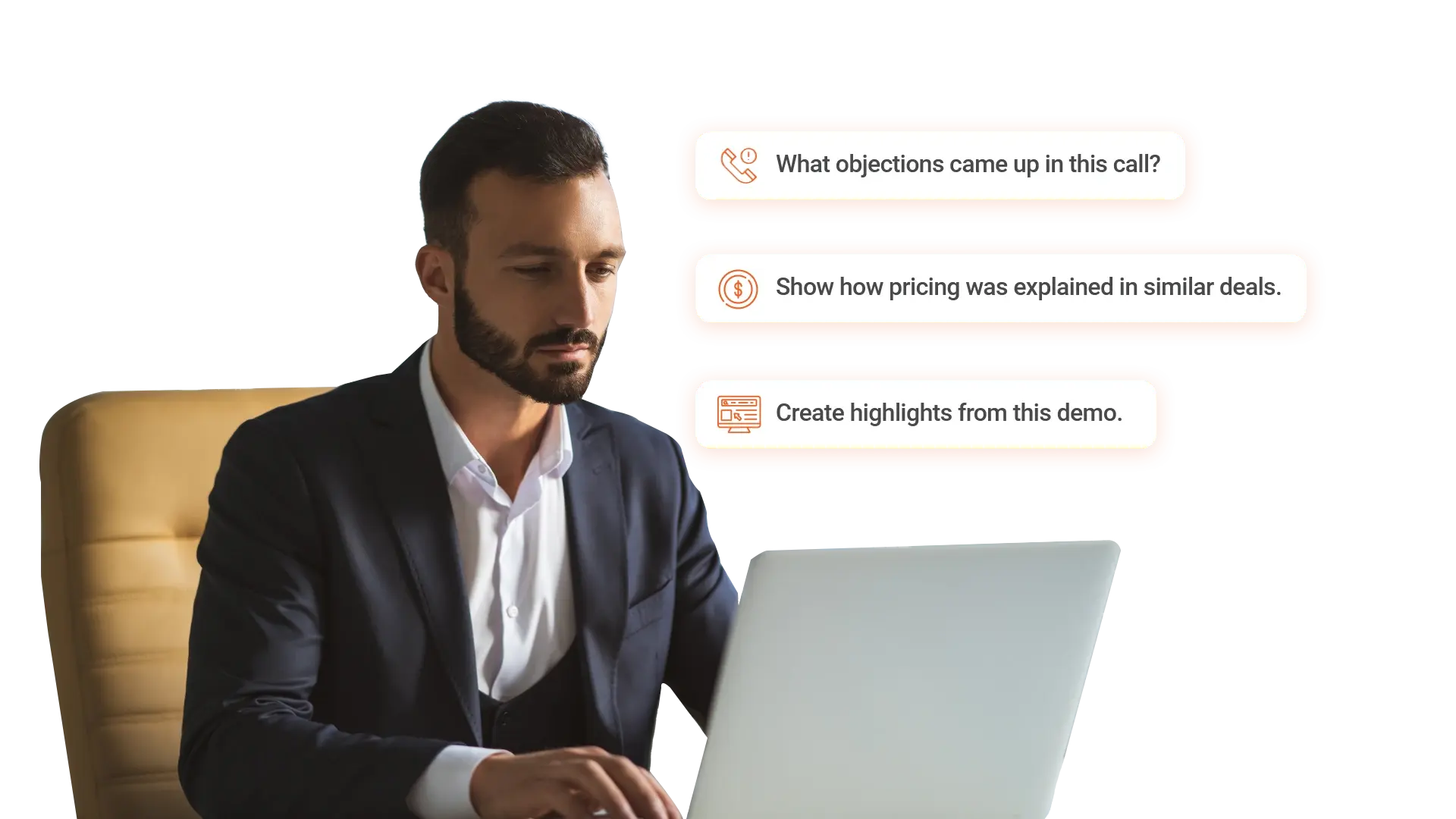
Turn calls, demos, and meetings into searchable knowledge that helps teams find answers and reuse winning moments.- Find objections, questions, and responses across recorded calls
- Create highlight clips from successful demos
- Build deal context timelines from meetings and notes
Customer Support Teams
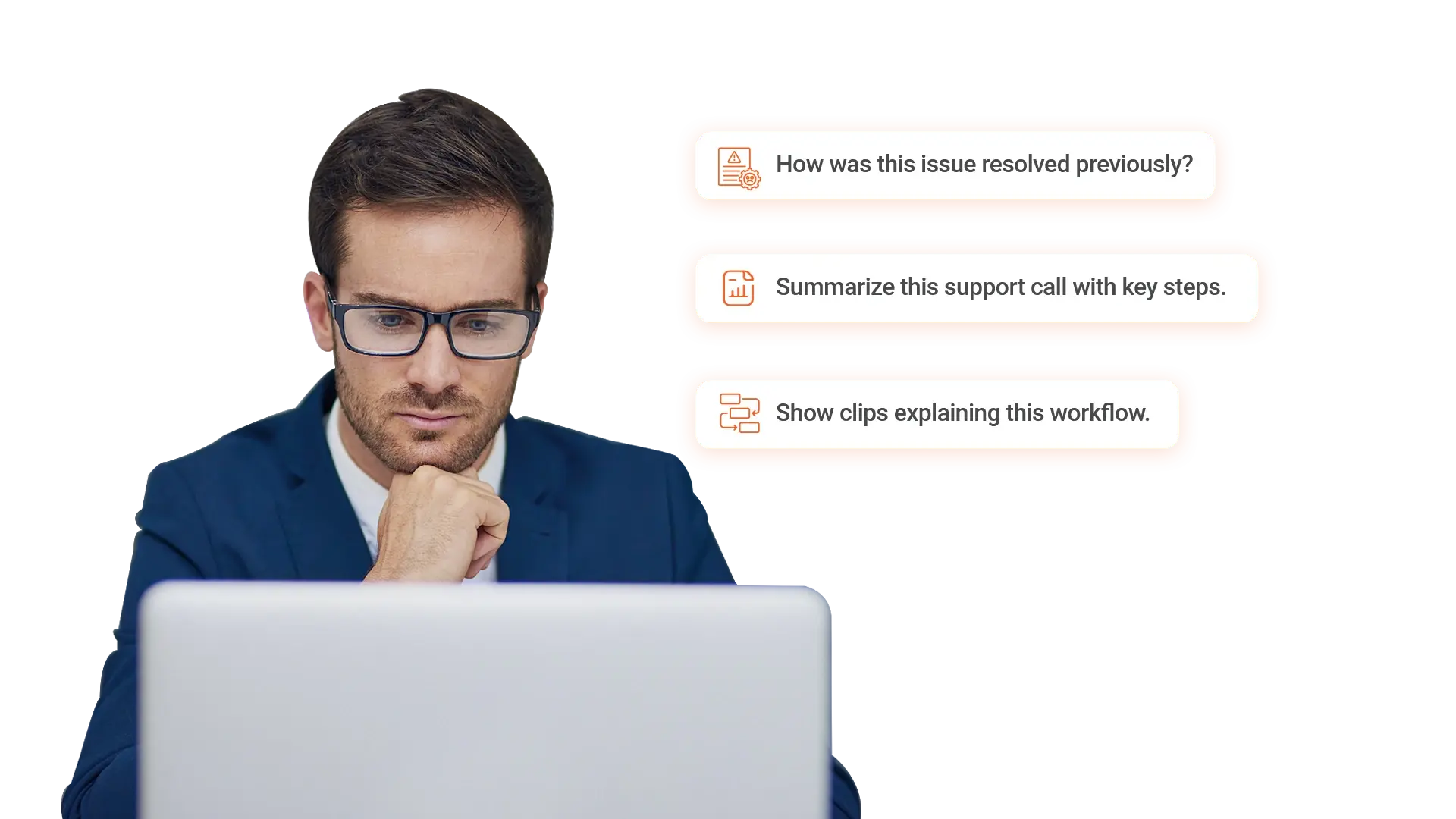
Help support teams resolve issues faster by turning support calls and walkthroughs into searchable knowledge.- Find solutions from past support calls
- Create summaries and clips for common issues
- Build a searchable video knowledge base for agents
Operations and Service Teams
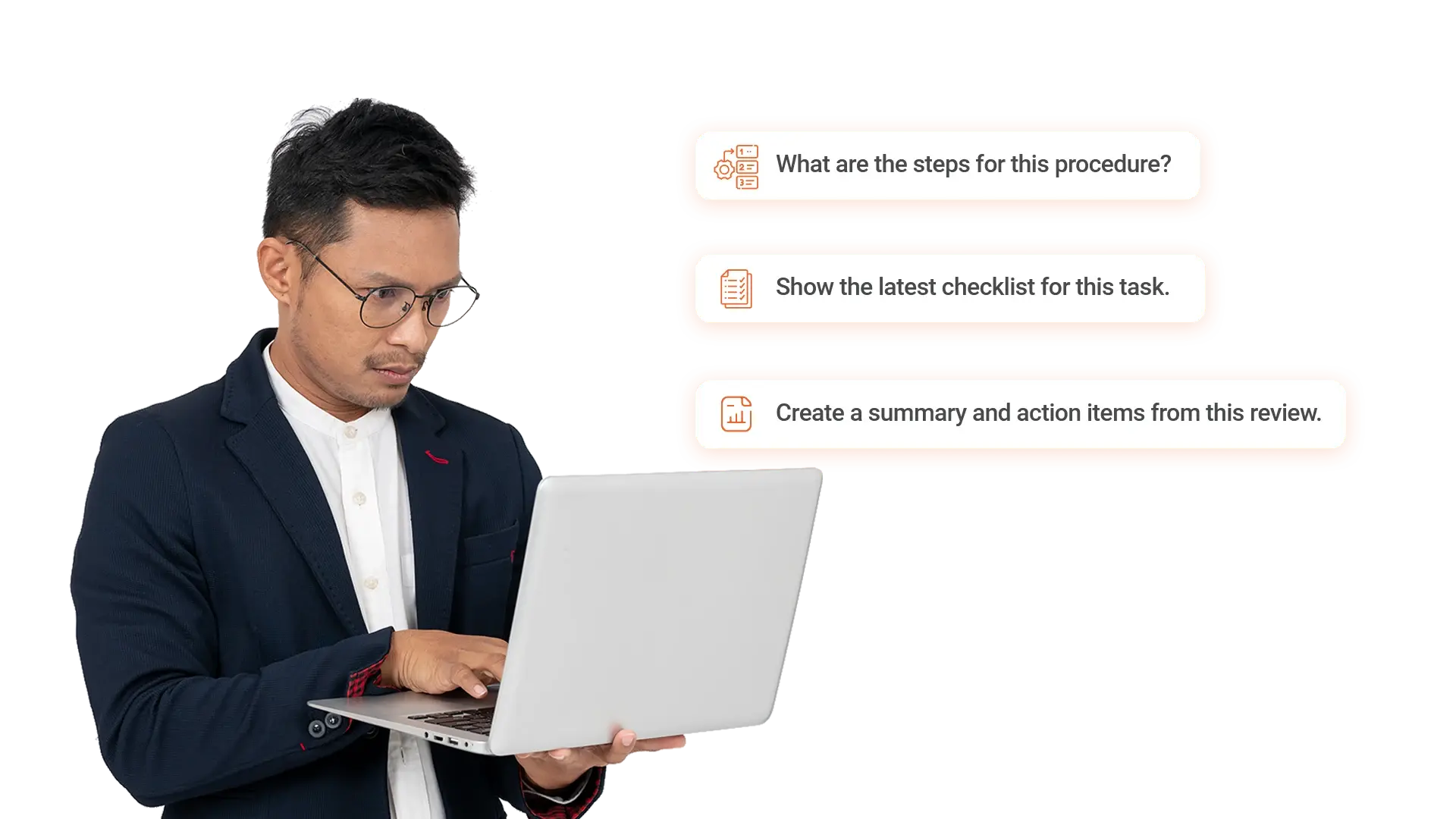
Standardize procedures and operational knowledge across video and documents, and help teams find answers with timestamps.- Surface steps and checklists from procedure videos and SOPs
- Summarize incident reviews and extract action items
- Create quick reference clips for consistent execution
Compliance and Risk Teams
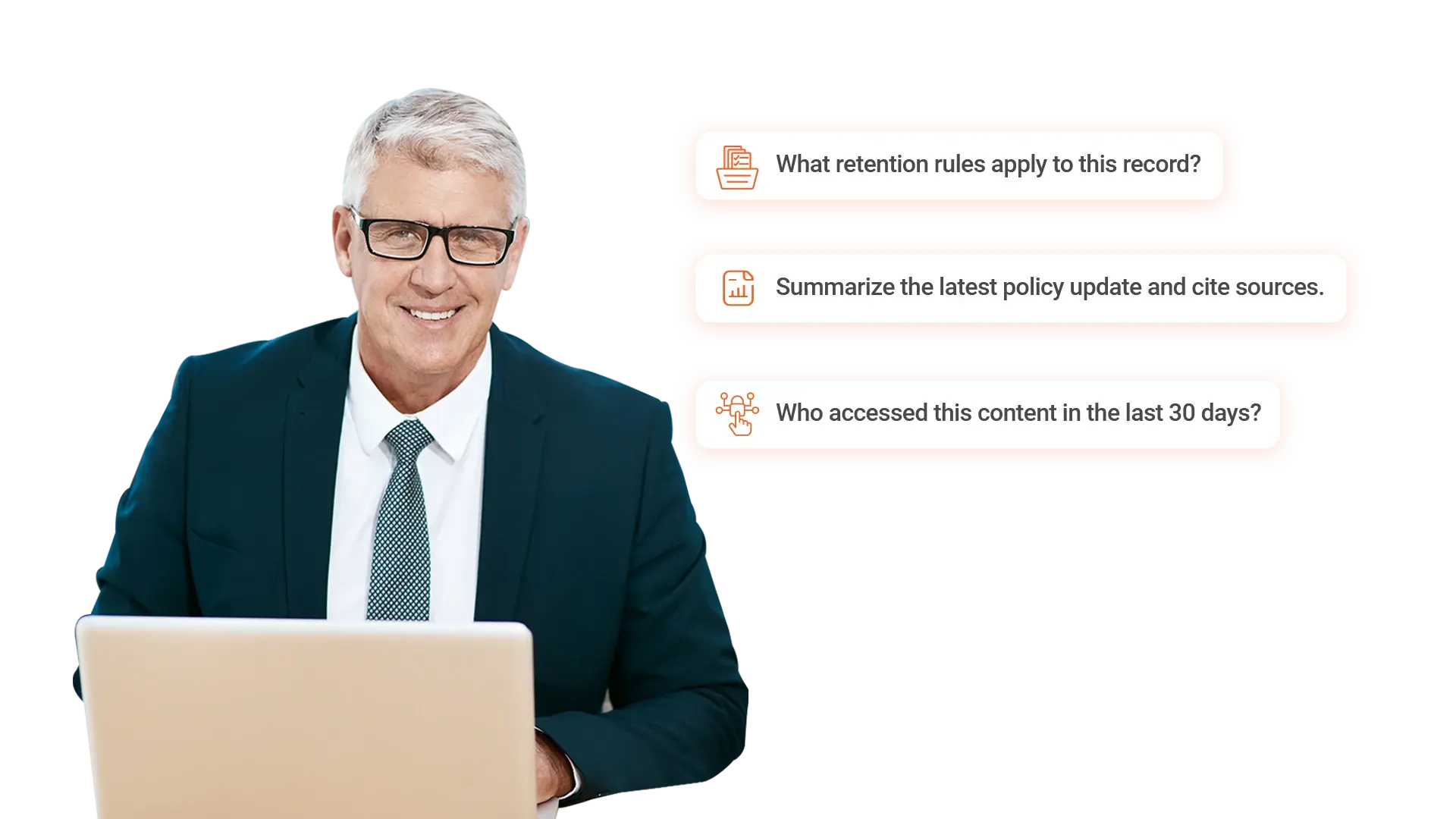
Enable policy driven answers, audit readiness, and controlled access across regulated content.- Answer policy questions with citations to approved sources
- Prove access and review activity using audit trails
- Apply retention and legal hold across libraries and portals
In House Legal Teams
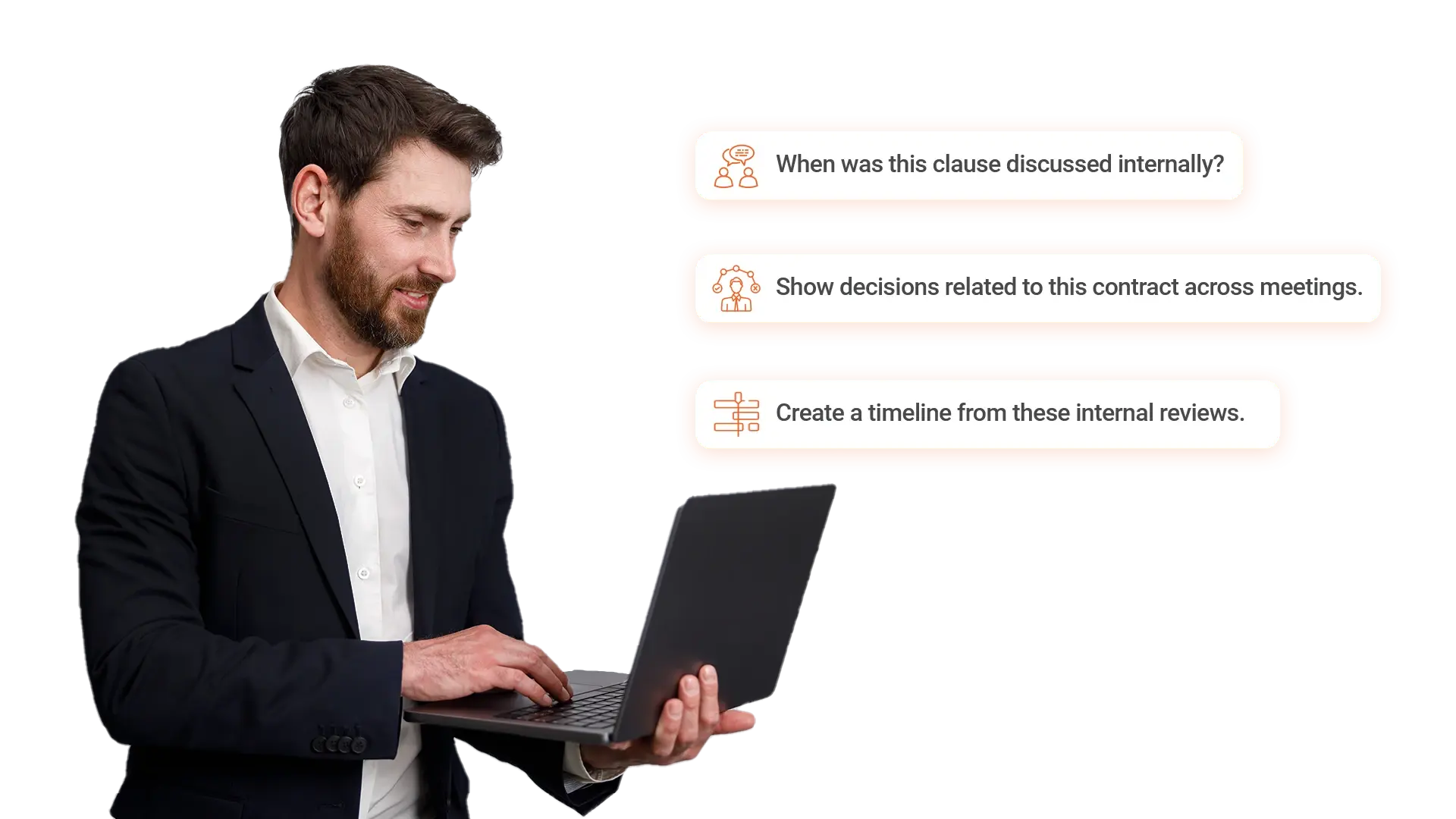
Support legal review, discovery, and matter preparation by turning recorded discussions and documents into searchable internal knowledge.- Locate discussions and decisions across recorded meetings
- Build internal matter timelines from video and documents
- Create reference clips for review and collaboration


Frequently Asked Questions
AI search inside video works by transcribing spoken content, indexing it alongside metadata and documents, and using a language model to answer natural language questions with citations to the exact moment. Users type a question, and the system returns the relevant segments across video, audio, and documents, with timestamps that let them jump straight to the source instead of scrubbing through hours of footage.
A video knowledge base is built for retrieval and question answering, while a video library or LMS is built for browsing, watching, and tracking completion. Teams use a knowledge base to ask a question and get a cited answer pulled from across recordings and documents, rather than navigating folders or course catalogs to find which video might contain the information.
Yes, AI generated answers can be trusted for regulated use when they are grounded in approved source content with timestamps, citations, and the same access controls and retention rules applied to the underlying files. Permissions and audit logs extend to AI retrieval, so users only see answers from content they are authorized to access, and every answer can be verified against the source moment.
Yes, organizations can bring their own large language model or choose from supported models, with cloud hosted and self hosted options available. This lets regulated teams keep data inside their security and compliance boundaries, apply existing access controls to AI retrieval, and align AI usage with internal policies and regulatory requirements.
A video knowledge base indexes video, audio, documents, and images as a single searchable knowledge layer, with permissions enforced consistently across formats. This lets teams retrieve answers that span recorded meetings, training sessions, policy documents, and reference materials in one query, instead of searching each system separately.
A video knowledge base integrates with identity providers like Azure AD for SSO, collaboration tools like Microsoft Teams and Zoom for recording ingestion, content systems like SharePoint, and storage platforms through APIs. This lets organizations build the knowledge layer on top of the systems they already use, without forcing teams to change workflows or migrate content.
