
by Ali Rind, Last updated: March 24, 2026
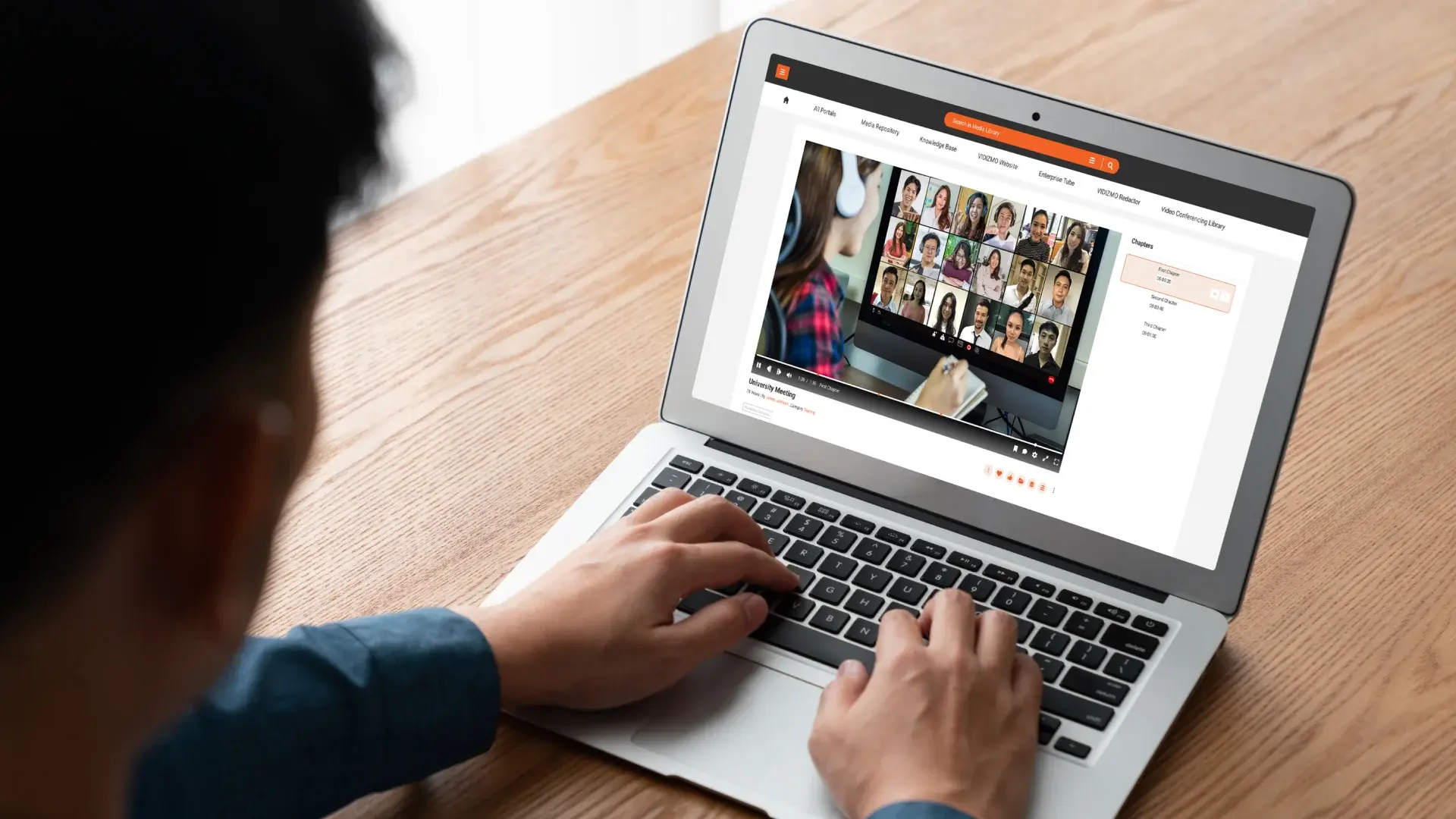
You have 200 customer testimonial videos. Somewhere in that collection, a client talks about how your product gave them "confidence to scale." Another describes a "life-changing result." A third mentions a specific feature that solved a problem you are now marketing heavily. But you cannot find any of them without watching everything from the beginning.
Video testimonial search is the ability to find specific moments inside testimonial recordings by typing a keyword or phrase, the same way you search a document or email inbox. AI-powered transcription turns spoken words into indexed, searchable text so you can locate the exact clip you need in seconds instead of hours.
This is one of the most overlooked problems in content marketing. Organizations invest real money recording testimonials, then let them collect dust because nobody can find the right clip at the right time.
Why Are Most Testimonial Videos Impossible to Search?
Testimonials are uniquely difficult to organize. Unlike product demos or training videos, they have no predictable structure. One customer speaks for 90 seconds. Another talks for 12 minutes. Topics drift. File names like testimonial_final_v3.mp4 tell you nothing about what is inside.
The value of a testimonial lives entirely in what someone says, not in the title, thumbnail, or folder it sits in. Traditional file management tools treat video as a black box. They can sort by date, size, or name, but they cannot tell you which recording contains the word "ROI" at the four-minute mark.
This means teams resort to one of two approaches, both of which fail at scale:
- Manual memory: Someone on the team "just knows" where certain clips are. When that person leaves or the library grows past 50 videos, institutional knowledge evaporates.
- Spreadsheet logging: A shared doc where someone manually notes timestamps and topics for each video. It works until the 30th entry, then falls behind permanently.
The Real Cost of an Unsearchable Testimonial Library
The cost is not abstract. When a sales rep needs a testimonial for a specific industry and cannot find one, they go into the call without it. When the marketing team is building a campaign landing page and needs a 15-second clip about a particular use case, they either spend two hours hunting or skip it entirely.
Unused testimonials represent wasted production budget and lost persuasion opportunities. The footage exists. The proof points exist. The gap is purely retrieval.
What If You Could Search Testimonials the Way You Search Documents?
The concept is straightforward. Every video gets automatically transcribed using AI speech recognition. That transcript is indexed and tied to timestamps. When you type "confidence" into a search bar, you see every video where that word was spoken, with a direct link to the exact moment.
Here is what the workflow looks like in practice:
- Upload: Videos are added to a centralized library, individually or in bulk.
- Automatic processing: AI transcribes the audio, identifies speakers where possible, and indexes every word.
- Search: You type a keyword or phrase. Results show which videos contain it and at what timestamp.
- Jump to the moment: Click a result and the video starts playing from the exact point where the keyword appears.
No manual tagging. No spreadsheets. No relying on someone's memory.
Before and After
Before: A marketing manager needs a testimonial clip mentioning "onboarding." She opens the shared drive, sees 180 files, recognizes none of the names, and gives up after 20 minutes.
After: She types "onboarding" into the search bar. Three videos surface. She clicks the second result, jumps to 2:14 in a recording from last quarter, and has her clip in under a minute.
Can AI Understand Topics, or Just Exact Keywords?
Modern AI transcription goes beyond exact-match search. Semantic search capabilities can surface results based on meaning, not just identical words. If a customer says "getting new employees up to speed," a search for "onboarding" can still find it, depending on the platform.
Additionally, AI can automatically generate topics, chapters, and tags based on what is discussed in each video. This means your library organizes itself over time without manual effort. To learn more about how this works at scale, see AI Video Search: Streamline Your Workflow with AI Video Search Solutions.
How EnterpriseTube Makes Testimonial Libraries Searchable
VIDIZMO EnterpriseTube is an AI-powered enterprise video platform that applies this workflow at scale. It transcribes video in 82 languages, indexes every spoken word, and enables keyword search with timestamp-level precision across your entire library.
Key capabilities relevant to testimonial management:
- AI transcription and indexing: Automatic speech-to-text with searchable transcript overlay on every video. See how AI Video Transcription transforms video content management.
- Semantic search: Find clips by topic, not just exact keyword matches.
- Collections and tagging: Organize testimonials by customer, product, industry, or campaign without duplicating files. Explore AI Video Auto-Tagging to understand how this works automatically.
- Secure sharing: Share specific videos or collections with sales teams, agencies, or partners using role-based access controls.
- White-labeled portals: Present your testimonial library under your own brand with no third-party ads.
For a broader look at how enterprises manage growing video libraries, the Enterprise Video Content Management guide covers the full picture.

What Should You Look for in a Video Search Platform?
Not every video platform offers meaningful search. When evaluating options for managing a testimonial library, prioritize these capabilities:
- Automatic transcription accuracy: Look for platforms that publish word error rates or support multiple AI engines. Poor transcription means poor search.
- Timestamp-linked search results: Results should take you to the exact moment, not just the video.
- Bulk processing: If you have hundreds of existing videos, the platform should handle batch uploads and retroactive transcription.
- Search within transcripts: Full-text search across all transcripts, not just metadata or titles.
- Access controls: Your testimonials may contain customer names and details that should not be publicly accessible.
- Format support: Testimonials come in every format and resolution. The platform should handle them without manual conversion.
For a detailed breakdown of what separates capable platforms from basic ones, see Top AI Video Search Platforms for Enterprise Content.
Start Using the Testimonials You Already Have
The testimonials your team recorded last year are not outdated. They are untapped. The barrier was never content quality; it was findability. AI-powered video search removes that barrier entirely, turning a static archive into a searchable, reusable library that makes every recording count.
If your testimonial library has grown past the point where anyone can find what they need, it is time to evaluate platforms that treat video as searchable content rather than opaque files.
Learn how EnterpriseTube handles video search and discovery and see whether it fits your workflow. You can also explore how to find clips in your organization's video library using AI search for practical guidance on getting started.
About the Author

Jump to

On-Premises Video Platform Migration: The Complete Enterprise Guide
How to Turn English Training Videos into a Multilingual Library
.jpg)

No Comments Yet
Let us know what you think