
Multilingual Video for Classrooms: A Bilingual Delivery Guide
by Ali Rind, Last updated: June 24, 2026, ref:
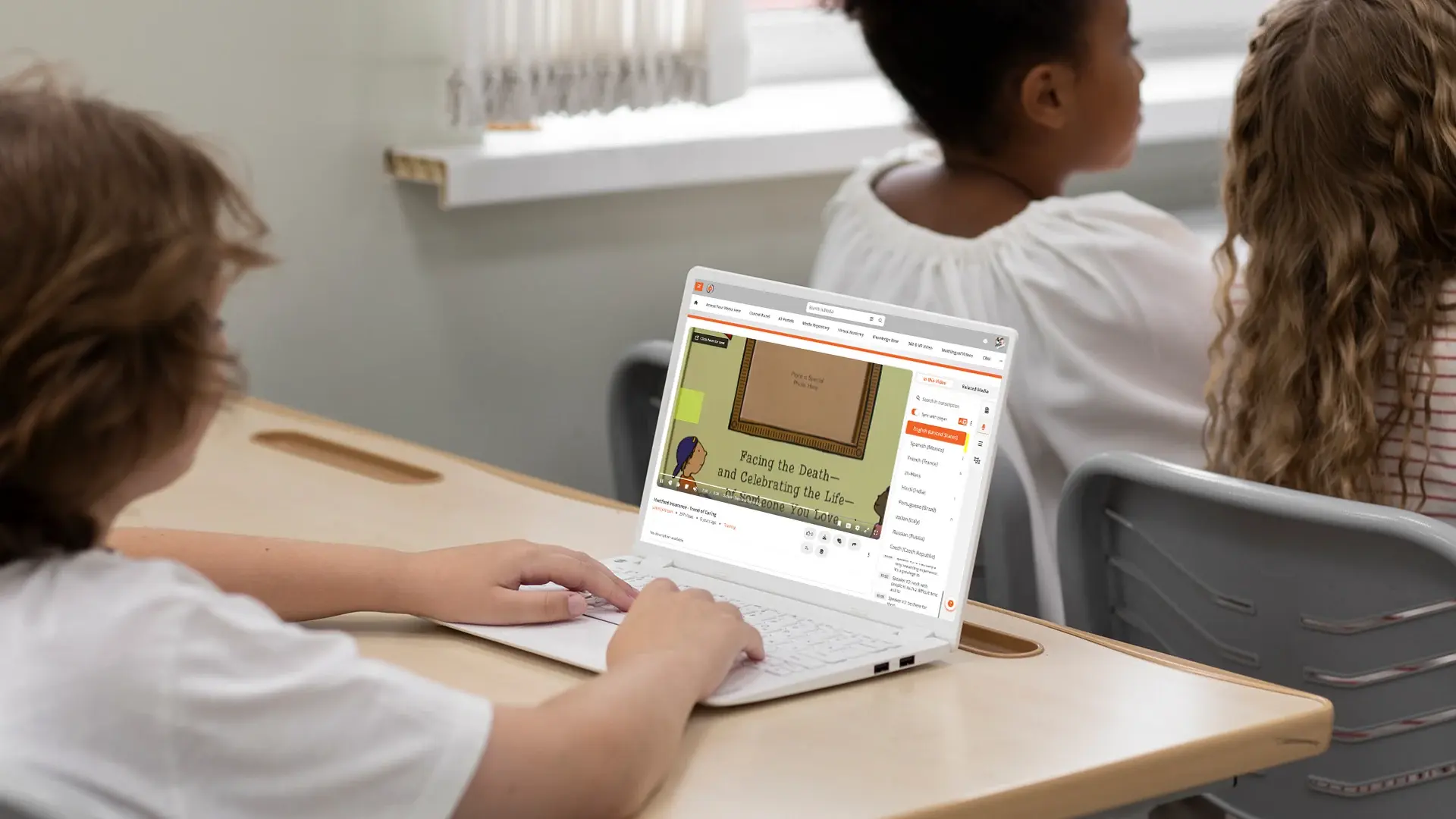
A bilingual classroom faces a problem most video platforms were not designed to solve. One recording, two language communities. The video is in English; half the students are working in their second language. Or the video is in the local language; international students are trying to follow along. Either way, the standard answer of "produce two recordings" does not scale, and the standard answer of "let students translate on their own" works against the equity goal the bilingual model exists to serve.
This guide is for institutions running bilingual or multilingual programs that need video to reach both language communities from the same recording. The pattern is the same whether a school teaches in English with a second working language alongside it, or in a local language with English as the second, and it shows up in dual-language, immersion, and international programs everywhere. For the broader context of how video infrastructure handles multilingual delivery, see our guide to enterprise video content management.
The bilingual classroom problem: one recording, two language communities
Most lecture and instructional video is recorded in a single language. The recording is then either accessible to one language community and inaccessible to the other, or it is duplicated through a manual translation process that doubles production cost and rarely keeps pace with content updates.
The platform-side answer is to record once and use AI plus human review to deliver translated captions, transcripts, and portal experiences to each language community without duplicating the source recording. Done well, this preserves the source video as the single canonical artifact while serving multiple language communities from it.
The student experience matters most. A student watching a lecture in their second language with synced translated subtitles, plus a translated transcript they can search, has access to the content their monolingual peer takes for granted. The institution gets to deliver one curriculum to two language communities without duplicating the production workflow.
Captions vs subtitles: when to use each
The two terms get used interchangeably, but they describe different things, as our guide to closed captions vs subtitles explains in depth.
Captions are same-language text of spoken content plus non-speech audio cues, designed for viewers who cannot hear the audio. A captioned lecture in English serves Deaf and hard-of-hearing English-speaking students. Captions include speaker identification, sound effects, and music cues where relevant.
Subtitles are text translations of spoken content into a different language. A Mandarin subtitle track on an English lecture serves Mandarin-speaking students who can hear the original audio. Subtitles typically omit non-speech cues because the viewer can hear them.
In a bilingual classroom, both are usually needed. Captions in the source language for accessibility, subtitles in the second language for translation. Some learners want both visible simultaneously; the platform should support multiple text tracks rendered together where the learner wants it.
For deeper coverage on the editing workflow that makes translated subtitles work for technical content, see our post on editable AI video translation.
Transcription, translation, and synced translated subtitles
The pipeline that makes multilingual classroom video work has four stages.
First, AI transcription generates the source-language transcript from the recording. Modern systems support 80 or more languages with varying accuracy by language. For the major teaching languages (English, Spanish, French, German, Italian, Mandarin, Japanese), transcription quality is high enough to use as a starting point.
Second, AI translation produces the second-language transcript from the source transcript. Translation quality is generally good for major language pairs and degrades for less-common pairs. For instructional content, the worth-reviewing terms are usually the same as for any technical content: proper nouns, terminology, formulae, and culturally specific references.
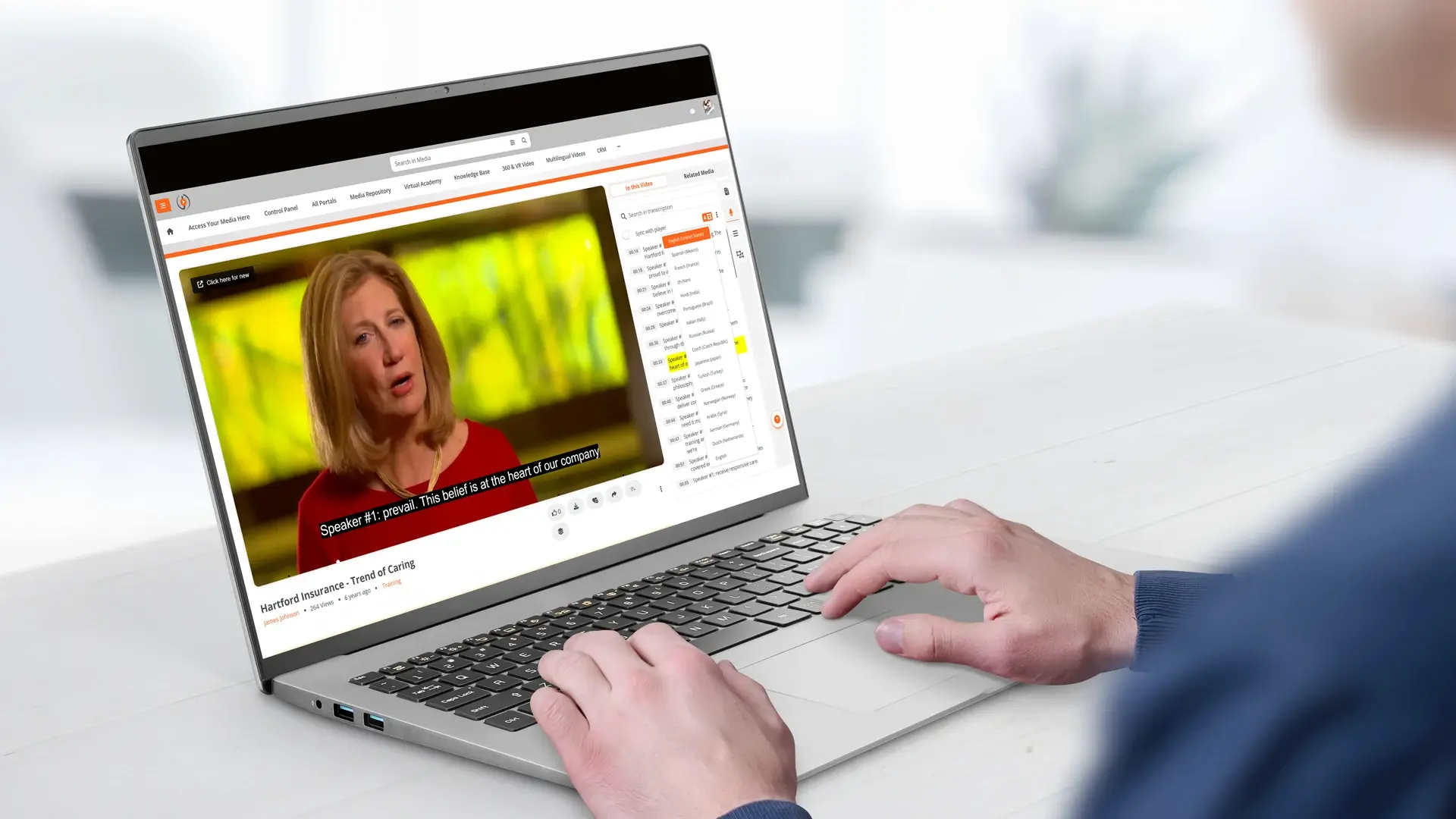
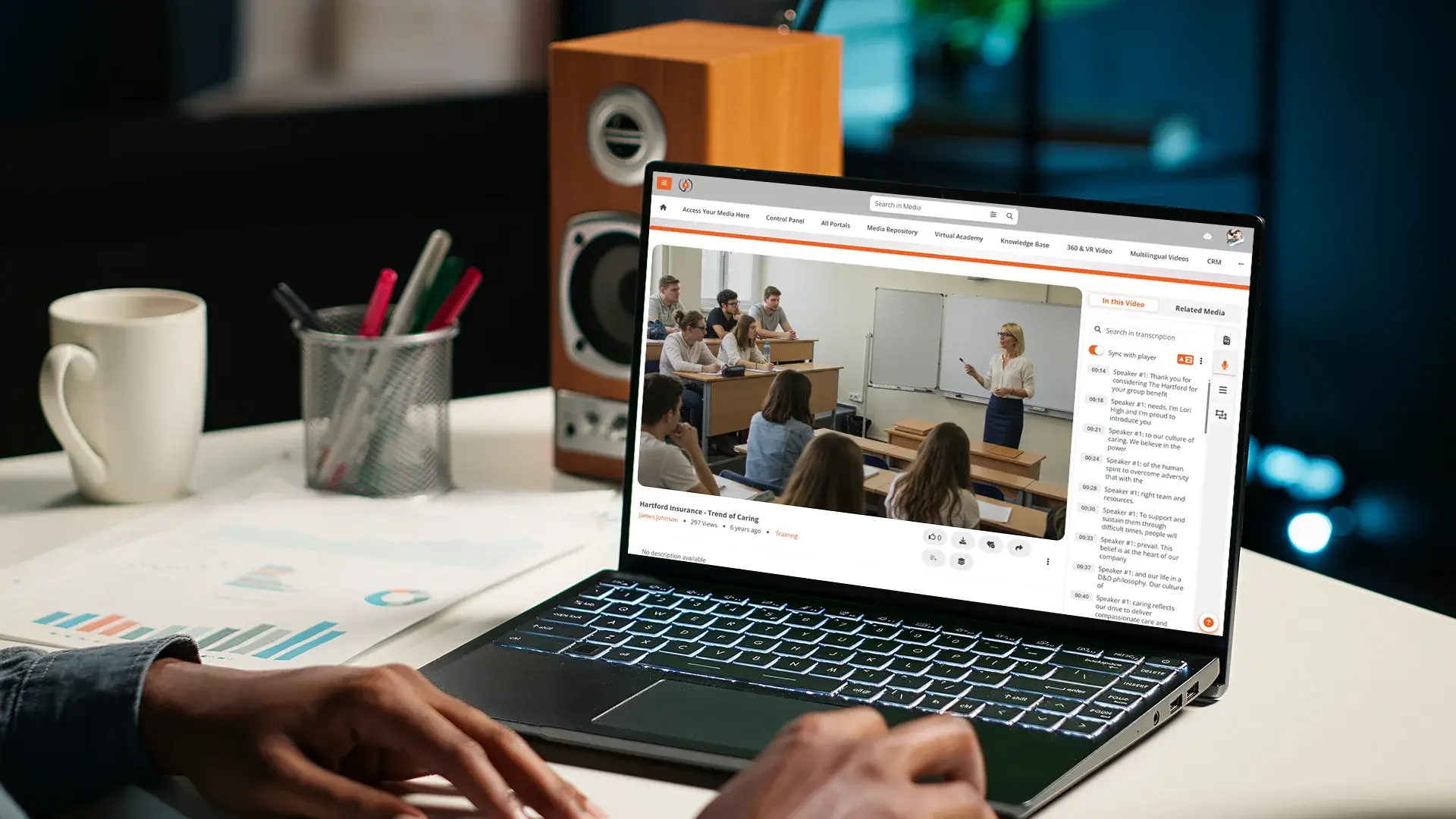
Third, the translated transcript is synced to the original timeline as a subtitle track. Each segment of translated text retains the timing of the original speech, so the subtitle appears when the corresponding source phrase is spoken.
Fourth, human review corrects the translation where it matters. The review is fast because the AI handled the first 90% of the work. The reviewer fixes the terms a domain expert would catch, and the corrections persist for that recording.
The whole pipeline runs at upload, not as a separate per-video project, so a teacher who uploads a recording finds it ready for bilingual delivery within a reasonable processing window. The same transcript that produces these subtitles also powers search and accessibility across the library, so one process serves several needs at once.
Translating the portal, not just the video
Subtitles serve the in-video experience. The portal experience matters too. A multi-language portal lets the institution's video library render its interface, navigation, and metadata in the learner's preferred language. A student logged in with a language preference set to Mandarin sees menu labels, search prompts, and content metadata in Mandarin, even when the video itself is in English.
This matters most for learners whose comfort in the second language drops off when they leave the video player. A student who can follow a lecture in English with subtitles may still find an English-only portal interface a barrier. Per-user language preferences let the platform meet learners where they are.
For institutions with multiple language communities, portal interface support across the languages the institution serves is the working baseline. Look for platforms that sup
port interface translation across the major teaching languages, not just the major UI languages.
Letting learners search across languages
Search across languages is the comprehension aid that monolingual platforms cannot match. A student searching in their first language for a concept discussed in a second-language lecture should land on the relevant moment in the recording.
The mechanism uses AI translation to bridge the language gap at query time. The platform translates the student's query into the recording's source language, runs the search against the source transcript, and returns timestamped results. From the student's experience, they searched in their own language and the platform understood.
For courses with mixed-language content (an English textbook with a Mandarin-language lecture, or vice versa), cross-language search becomes the connective tissue students need to integrate the two. It does not replace bilingual fluency, but it lowers the friction of working across languages.
The language variant and script trap
The hardest part of multilingual delivery is rarely the major language pair. It is the variant and script detail that generic platforms gloss over, and getting it wrong quietly excludes the audience the program is meant to serve.
Two distinctions matter. First, spoken-language variants. Many languages have regionally distinct spoken forms, and a transcription model trained on one variant does not necessarily handle another well. Cantonese and Mandarin are separate spoken languages rather than accents of one; Latin American and European Spanish diverge; Arabic varies widely by region. Accuracy can drop sharply when the model meets a variant it was not trained for.
Second, writing scripts. Some languages are written in more than one script, and the audience's required form is not interchangeable. Chinese is written in Traditional or Simplified script depending on the region; Serbian uses both Cyrillic and Latin; other languages carry similar splits. A platform that outputs the wrong script for the audience has done only half the work, even when the translation itself is accurate.
Before committing to a platform, confirm directly with the vendor which spoken-language variants the AI transcription supports for your languages, and which written script the output uses. These answers rarely surface in a standard demo, and they determine whether the platform actually fits the communities you serve.
How EnterpriseTube handles multilingual video
EnterpriseTube's media accessibility features provide AI transcription across 82 supported languages with published Word Error Rates per language. Automatic translation produces translated subtitles synced to the original timeline. Editable captions and translations let reviewers correct terminology in-platform without exporting and re-uploading; corrections persist for that recording across all viewers.
Multi-language portal support lets institutions serve a portal interface in the learner's preferred language, with per-user language preferences captured at the identity layer. Search across languages uses translation at query time to bridge the gap between learner language and content language. AI video search and discovery runs across spoken words, on-screen text via OCR, and detected content.
For institutions with specific language variant or script requirements, including distinct spoken variants of a language or audiences that require a particular written script, confirm the specific language coverage that applies to your deployment with the VIDIZMO team before committing. Generic multilingual support is documented; the specific variant and script coverage for any given deployment is worth verifying explicitly.
To see how the platform handles your institution's specific bilingual or multilingual requirements, start a free EnterpriseTube trial or contact our team.
Frequently Asked Questions
Yes. A bilingual school video platform keeps the original recording as the single source and delivers a second language through translated subtitles and a translated transcript. AI generates the source-language transcript at upload, translates it, and renders both as toggleable tracks. Human review fixes the terms that matter. You produce once and reach both language communities.
Captions are same-language text of speech plus sound cues, made for students who cannot hear the audio. Subtitles are translations of the speech into another language for students who can hear it. A bilingual classroom usually needs both: captions in the source language for accessibility, subtitles in the second language for translation, often shown together.
Yes. Translated subtitles inherit the timing of the source transcript, so each line appears exactly when the matching phrase is spoken. If you replace the source video, the platform re-runs transcription and translation on the new version and preserves the synced timing, so you never realign tracks by hand.
Yes, on a platform with cross-language search. A student types a query in their first language, the platform translates it to the content's language at query time, and results return the exact timestamps where the topic appears. This lowers the friction of multilingual education video for students working in their second language.
About the Author

Ali Rind
Ali Rind is a Product Marketing Executive at VIDIZMO, where he focuses on digital evidence management, AI redaction, and enterprise video technology. He closely follows how law enforcement agencies, public safety organizations, and government bodies manage and act on video evidence, translating those insights into clear, practical content. Ali writes across Digital Evidence Management System, Redactor, and Intelligence Hub products, covering everything from compliance challenges to real-world deployment across federal, state, and commercial markets.
Jump to
You May Also Like
These Related Stories
How to Turn English Training Videos into a Multilingual Library
8 AI Video Use Cases for Internal Communications Teams

No Comments Yet
Let us know what you think