
by Ali Rind, Last updated: June 18, 2026
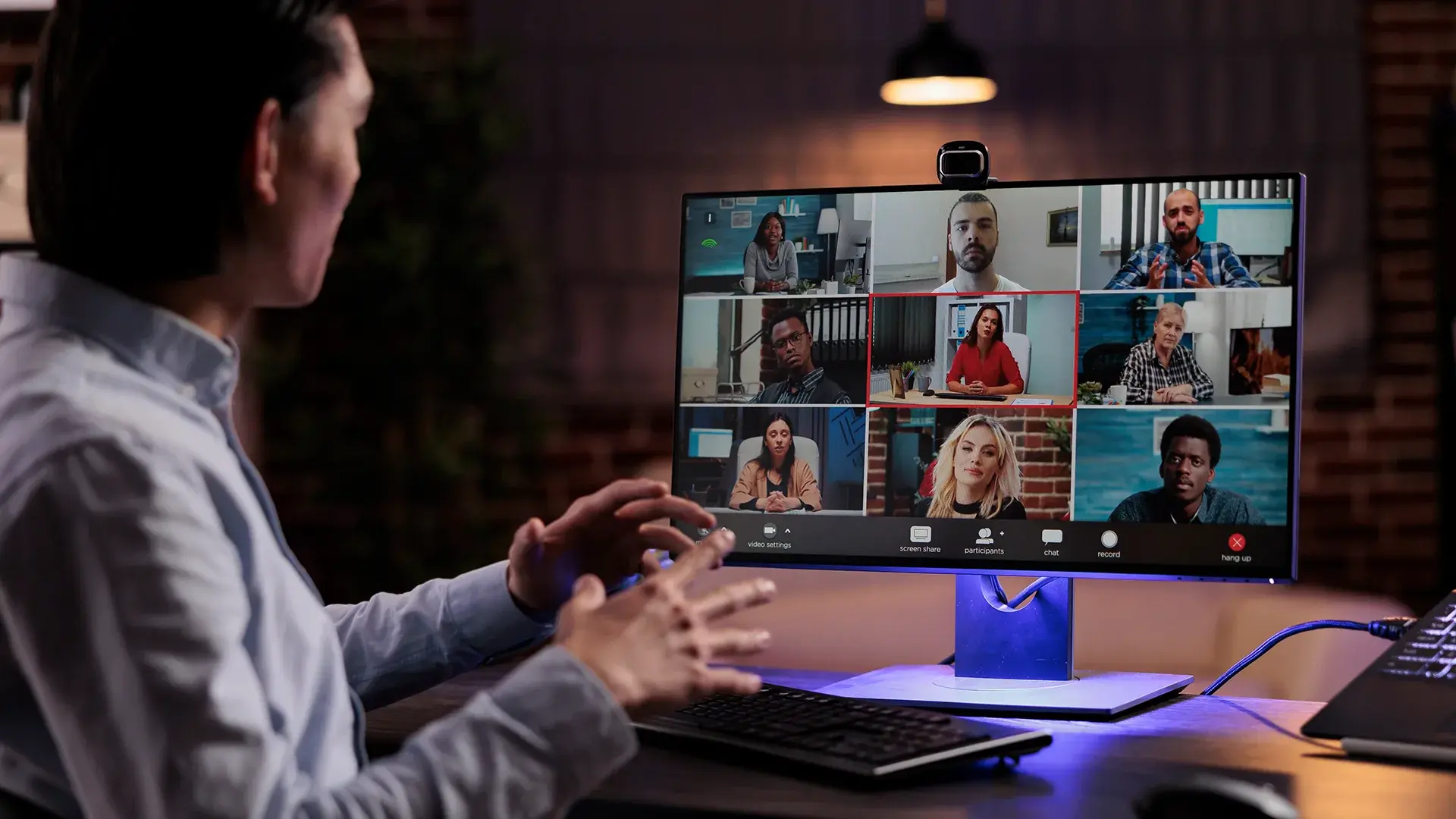
Internal communications has always been a volume problem. Leadership produces the content: town halls, policy updates, change announcements, quarterly reviews, training mandates. Internal communications teams are responsible for making sure it reaches the right people, in a format they can use, at a time that works across time zones and shift schedules.
For most organizations, video is now the primary format for that content. A recorded all-hands from the CEO communicates tone and intent in ways a written update cannot. A video walkthrough of a new policy lands better than a PDF. A recorded training session can be replayed, paused, and referenced in ways a live classroom cannot.
The problem is that video creates its own volume problem. A large organization running weekly leadership updates, monthly town halls, quarterly reviews, and ongoing training produces hundreds of hours of video per year. Without the right infrastructure, that content sits in a library nobody can navigate, search, or find when they need it.
AI capabilities built into enterprise video platforms are changing what internal communications teams can do with that content. The point is not to replace the human work of communications strategy. It is to automate the operational tasks that consume time without adding value, so teams can spend their hours on the message instead of the mechanics.
Key takeaways
- AI transcription turns every recording into searchable, timestamped text at upload, so a video archive becomes a queryable knowledge resource instead of a passive library.
- AI summarization and auto-chaptering let employees find and watch only the sections relevant to them, which raises engagement with the videos that matter.
- Automatic translation produces multi-language subtitles from the original transcript, removing the localization bottleneck for a global workforce.
- AI-powered search matches against spoken words, on-screen text, and auto-generated tags rather than file names, so employees find answers without knowing the video title.
- Automated ingestion pulls recordings from conferencing platforms and processes them on arrival, so internal comms teams stop managing files and start managing communication.
- Access governance and audit controls determine who can view which recordings, which matters most for regulated industries and sensitive leadership content.
1. AI transcription turns every recording into searchable text
A recorded all-hands is a useful artifact on the day it goes live. Six months later, when an employee wants to find the specific commitment leadership made about hybrid work, it becomes a two-hour video they have to scrub through by hand.
AI-powered automatic transcription converts every recording into a full text transcript at the moment of upload. The transcript is timestamped, synchronized to the video timeline, and immediately available for search. An employee searching for "hybrid work policy" lands on the exact moment in the recording where the topic came up, without watching anything they do not need to see.
For internal communications teams, this changes the value of a video archive. Content that was a passive record becomes an active resource employees can query, which is how a video archive turns into a usable knowledge resource. Leadership messages that were watched once on the day of release become findable reference material months or years later.
Transcription also removes the manual captioning workflow that many teams maintain for accessibility compliance. Auto-generated captions are available immediately, editable for accuracy, and compatible with WCAG 2.1 AA standards without a separate processing step.
2. AI summarization condenses long recordings into shareable highlights
Not every employee needs to watch every video in full. A two-hour quarterly business review contains material relevant to every department, but a warehouse operations team cares about different sections than a product team. Sending everyone the same two-hour link and expecting them to find their part is not a communications strategy.
AI summarization extracts the key points from a long recording and surfaces them as a structured summary. Internal comms teams can share that summary alongside the full recording, giving employees a preview of what the video covers and letting them decide which sections to watch.
For leadership communications, this is especially useful. An executive update covering five strategic initiatives can be summarized into five short points with timestamps, each linking to the relevant section. People who need the context watch the full section. People who only need the headline read the summary and move on.
It also improves the signal-to-noise ratio in distribution. When every video comes with a summary, employees learn they can trust the preview to tell them whether the content is relevant. Engagement with the videos that matter to a specific audience goes up, because people stop treating every video as a time commitment they cannot predict.
3. Auto-chaptering lets employees navigate instead of watch
Automatic chaptering is related to summarization but does a different job. It breaks a long recording into named segments, each with its own timestamp and entry point.
A two-hour all-hands becomes a structured document with chapters: CEO opening remarks, Q3 financial results, product roadmap update, benefits policy changes, Q&A. Each chapter is accessible directly.
For internal communications teams, chaptering solves the replay problem. Employees who missed a live session and need to catch up on one topic do not have to watch the whole recording. Employees who attended live but want to revisit one section can jump straight to it.
Chaptering also fits the way employees actually work. Nobody blocks two uninterrupted hours to watch a company update. They watch ten minutes during a break, return to a specific chapter the next day, and forward one segment to a colleague who needs the context. Chaptered video supports that behavior. A single unbroken file does not.
4. AI translation reaches a multilingual workforce without a translation team
Multinational organizations produce internal communications in one language and distribute it to employees who may speak a dozen others. The traditional fixes are subtitling teams, localization vendors, and translated scripts. All of them are slow, expensive, and do not scale to the volume of video a modern organization produces.
Automatic translation generates subtitles in multiple languages directly from the original transcript. An all-hands recorded in English can be published with subtitles in Spanish, French, German, Arabic, Japanese, and many more, without a manual translation step.
For teams managing content across global offices, this removes a real bottleneck. A policy update that used to need a two-week localization cycle can ship with multi-language subtitles the same day it is recorded. Employees in regional offices get the same information at the same time as headquarters, in a language they can follow comfortably.
Coverage across 82 languages spans the footprint of most global enterprises. For organizations operating where language access is a legal or regulatory requirement, this is a compliance tool as much as a communications one.
5. AI-powered search makes the video archive queryable
Most organizations have a video archive. Most also have employees who do not use it, because they cannot find what they are looking for.
The reason is that traditional video search matches against file names, titles, and manually entered tags. An employee searching for the new expense reimbursement policy gets results based on whether someone named the video correctly at upload. If the video is titled "Q2 HR Update," it does not show up in a search for "expense reimbursement."
AI-powered search changes the model. Instead of matching against metadata, it matches against the actual content of every video: spoken words from transcripts, text detected in screen recordings, topics from AI-generated tags, and visual content identified through object detection.
An employee searching "expense reimbursement policy" finds every video where those words were spoken, even if the title contains neither word. A search for "office reopening plan" surfaces the town hall from eight months ago where leadership discussed it, alongside the newer policy update and the facilities walkthrough that showed the layout.
For internal communications teams, a queryable archive changes the support burden. Employees who used to email HR or comms with questions that were already answered in recorded content can find those answers themselves. The archive becomes self-service instead of a library that depends on someone remembering a video exists.
6. Automatic tagging organizes content as it arrives
Internal communications teams that upload content by hand know the tagging problem. Every video needs to be categorized, labeled, and organized for people to find it later. At low volume, manual tagging is manageable. When the organization is uploading recordings from fifty meetings a week alongside planned content, manual tagging becomes a full-time job nobody has time for.
AI-generated metadata tagging analyzes each video at upload and applies relevant tags automatically. A benefits open enrollment recording gets tagged with "benefits," "HR," "open enrollment," and the specific benefit types discussed. A product update gets tagged with the product names, features, and release terms mentioned.
These tags drive both search and browsing. Employees see content organized by topic, department, and content type without the comms team maintaining that structure by hand. New content is tagged and categorized within minutes of upload.
Speaker diarization adds another layer. The system identifies and separates speakers within a recording, which makes it possible to organize content by speaker or pull every recording featuring a specific executive. For organizations where leadership messages are a large share of the library, that makes it practical to surface content by communicator, not just by topic.
7. Automated ingestion processes meeting recordings without manual steps
The largest source of internal communications video for most organizations is not planned content. It is meeting recordings: town halls run on Zoom, training delivered through Microsoft Teams, webinars hosted on Webex, leadership Q&As conducted on GoToMeeting.
Without automated ingestion, processing those recordings is a manual chain. Someone downloads the recording from the conferencing platform. Someone uploads it to the video library. Someone adds a title, description, and tags. Someone sets the permissions. For an organization running dozens of recorded meetings a week, that is a recurring cost with no communications value. It is pure overhead.
Automated ingestion connects directly to Microsoft Teams, Zoom, Webex, and GoToMeeting. Recordings are pulled into the video library automatically at the end of each session, and AI transcription, translation, summarization, chaptering, and auto-tagging run on each one at ingest. By the time a comms team member opens the platform, the recording is already transcribed, tagged, chaptered, and searchable.
The shift this creates is the one that matters. Internal communications teams stop spending time on file management and start spending it on communications strategy. The question moves from "how do we process and organize this" to "how do we use this to reach the right people."
8. Access governance keeps sensitive communication controlled
The seven applications above are about doing more with video. This one is about doing it safely, and it is the question regulated and security-conscious organizations ask first.
AI that transcribes, tags, and indexes every recording is only an asset if the right people see the right content and nobody sees what they should not. A board update, a restructuring announcement, or a recording that names individuals carries access requirements that a public-facing video does not.
Role-based access control determines who can view, search, and share each recording, by team, role, or individual. Permissions apply to the AI-generated layer as well, so transcripts, summaries, and search results respect the same access rules as the video itself. An employee searching the archive sees results only from content they are cleared to view. Webco Industries, for example, restricts executive briefings and sensitive performance updates to authorized employees this way, across twelve plants.
Audit logging records who accessed what and when, which matters when a communication is sensitive enough that access itself needs to be accountable. For organizations in regulated industries, knowing where transcripts are processed and who can reach them is not a feature preference. It is a procurement requirement.
For internal communications teams, governance is what lets the rest of this list happen at all. A searchable, transcribed, AI-enriched archive is only something leadership will approve if the controls around it are clear.
What this means for internal communications teams
The operational tasks AI handles across these applications, transcription, translation, summarization, chaptering, tagging, search indexing, ingestion, and access control, are not the work internal communications professionals were hired to do. They are the infrastructure cost of distributing video at enterprise scale.
When that infrastructure runs on its own, internal communications teams can focus on what matters: understanding the workforce they are communicating with, crafting messages that land, and measuring whether those messages reach the people they need to reach.
Video analytics give teams the data for that last part. Engagement metrics show which recordings employees actually watch, how far they get, and where they drop off. That data informs the next communication, not just whether an announcement was received but whether it held attention long enough to be understood.
For organizations scaling their video communications, these are not optional extras. They are the difference between a video library that grows unusable over time and one that grows more valuable as it grows.
See how teams run secure corporate communications on a single platform, or read the deeper guide to enterprise video content management and how it keeps a growing library searchable and governed.

About the Author

Jump to

From Old Seminar Footage to an AI-Powered Video Library for Sports Coaches

Multilingual Video for Classrooms: A Bilingual Delivery Guide
.jpg)

No Comments Yet
Let us know what you think