How to Enhance Video-Based Learning Without Replacing Your LMS

by Hassaan Mazhar, Last updated: June 5, 2026

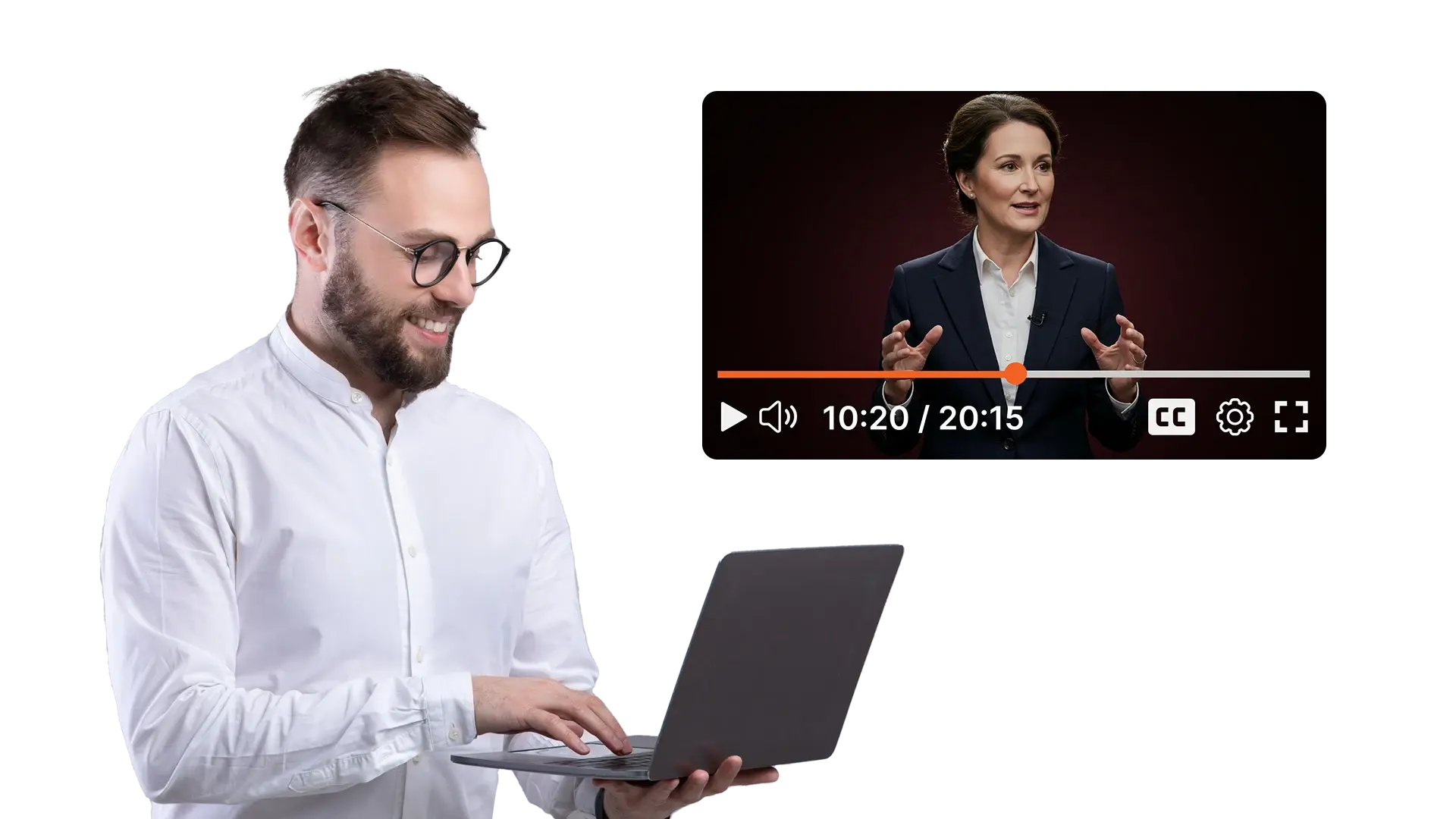
A person using an enterprise video platform to enhance video-based learning.

Using Video to Improve Learning, Keep Your LMS, Don’t Replace It
9:37

Your learners have quietly changed how they learn, and your LMS has not kept up. Employees and students expect clear, searchable, on-demand video. What they often get is choppy playback, files buried three clicks deep in a course shell, and a player that behaves differently on every device. The content investment is real, but completion rates stall and the support tickets keep coming.

The root cause is architectural, not editorial. An LMS like Moodle, Canvas, Cornerstone, or SAP SuccessFactors is built to manage enrollments, assessments, and completion logic. It was never designed to transcode, stream, caption, and analyze video at scale. Treating it as a video platform produces exactly the friction learners are complaining about.

The instinctive responses both fail. Replacing the LMS to fix video is a multi-year migration that puts compliance records, accreditation, and every HR and SSO integration at risk. Pushing videos out to public hosting fixes playback but surrenders access control and learning analytics. There is a third option: keep the LMS as the system of record and embed a dedicated video layer underneath it. This post explains how that integration actually works, how to roll it out without touching existing courses, and how to judge whether it fits your situation.

Why Replacing the LMS Is Usually the Wrong Fix

Anyone who has administered an LMS for a few years knows why migration is off the table. Course structures, prerequisites, and enrollment rules took years to build. Quizzes and gradebooks are tied to completion logic that compliance audits depend on. Historical learner records cannot be put at risk, and the integrations into HR systems, student information systems, and identity providers are the most fragile part of the stack.

So the LMS stays. The mistake is concluding that video quality therefore has to stay where it is too. Course management and video delivery are separate problems, and they can be solved by separate systems that talk to each other through standards the LMS already supports.

Where LMS-Native Video and Public Hosting Both Fall Short

LMS-native video usually means files uploaded as course assets. The LMS stores them but does not properly transcode them, so playback quality depends on whatever the author uploaded. There is no adaptive bitrate streaming for learners on weak connections, no control over skipping, and little visibility into what was actually watched. For organizations running serious training and learning programs, the delivery layer ends up degrading content that is otherwise strong.

Public platforms solve playback and break everything else. You cannot enforce viewing completion on YouTube, the analytics describe audience engagement rather than learning outcomes, and internal or regulated training content has no business sitting on a public endpoint. Many corporate networks block these platforms outright, which is its own delivery problem in firewall-restricted environments.

Accessibility exposes a third gap. Captions, time-synced transcripts, and translated subtitles are baseline requirements for global programs and for legal accessibility compliance, and neither LMS-native storage nor consumer platforms handle them well across languages.

How LMS Video Integration Actually Works

The embedded model has a specific technical shape, and it is worth understanding before evaluating vendors.

Video lives in the enterprise video platform, which handles ingestion, transcoding into adaptive bitrate renditions, storage, and CDN delivery. The LMS connects to that platform through LTI, the interoperability standard most major systems support. With LTI 1.3 and deep linking, a course author searches the video library from inside the LMS authoring screen and places a video into a course page without ever leaving the LMS.

Learners notice nothing new. They open the same course in the same portal, and the video plays inside the page they expect. The difference is what happens underneath: the stream comes from the video platform's infrastructure, the player enforces whatever viewing rules the course requires, and watch data flows back.

Completion is the part compliance teams care about. The video layer reports viewing events back to the LMS, either through LTI outcome services or through SCORM and xAPI statements, so a course can mark a module complete only when a learner has met a defined threshold, such as watching ninety percent without skipping. The gradebook, certificates, and audit trail all stay in the LMS where they belong.

A Phased Rollout That Does Not Touch Existing Courses

The practical advantage of this architecture is that adoption can be incremental. A sequence that works for most organizations looks like this.

Start with one new course or program, ideally one where the pain is visible, such as a compliance module with disputed completions or a global onboarding track with playback complaints. Configure the LTI connection, build the course with embedded video, and run a cohort. This validates SSO, completion sync, and playback in your real network conditions before anything else depends on the integration.

Next, route all new video content through the platform while leaving existing courses untouched. Old courses keep working exactly as they did. Nothing breaks, because nothing was migrated.

Finally, migrate legacy video selectively. Most organizations find that a minority of older videos still get meaningful traffic. Move those, retire the rest, and skip the bulk migration entirely. The LMS course structure never changes during any of this, which is what makes the approach low risk compared to any platform replacement.

What to Require from the Video Layer

Not every video tool can sit in this role. Four capability areas separate an adequate embed from a real learning infrastructure.

Playback control and completion tracking come first. You need the option to disable skipping on mandatory modules, configurable completion thresholds, and automatic sync of completion status back to the LMS. Without the sync, you are back to manual attestation.

Analytics should answer instructional questions, not just count views. Where do learners drop off inside a module, which regions experience playback problems, and how does engagement with a specific video relate to assessment performance? That data should be exportable to the LMS reports or BI tools your L&D team already uses, since drop-off patterns are one of the most direct inputs for improving workforce learning and development content.

Accessibility and language support are not optional. Look for automatic transcription with strong accuracy across accents, closed captions and downloadable transcripts on every asset, translated subtitles generated from a single source video, and search inside the spoken content of videos.

Secure global delivery ties it together: encrypted streams, authenticated sessions, embedding restricted to your LMS domain so content cannot leak to public URLs, and a distributed delivery network that holds up for learners far from your data center or behind restrictive corporate networks.

How EnterpriseTube Supports LMS-First Video-Based Learning

EnterpriseTube is built to serve as this embedded video layer. It works as an enterprise video content management system that integrates with major LMS platforms through standards-based connections, so learners stay in the portal they know while ingestion, transcoding, and on-demand streaming run behind the scenes.

Playback rules can be set per course or content type, with completion events fed back to the LMS for compliance reporting. Every video is automatically transcribed, and transcripts can be translated into multiple languages for subtitles, which makes one source video usable across regional cohorts and keeps the library searchable down to the spoken word. Streams are encrypted, access-controlled, and delivered through distributed infrastructure for consistent playback across regions, including universities and education providers running multi-campus programs.

The shortest way to evaluate fit is a pilot: connect one course in a test LMS environment, set a completion rule, and check that the event lands in your gradebook.

When This Approach Fits and When It Does Not

The embedded model earns its cost when video is a core medium rather than an occasional add-on, when the LMS investment is too deep to disturb, when programs span regions or languages, and when you need defensible proof of content consumption for compliance or accreditation. Organizations already running a video-first approach to LMS training usually hit these conditions quickly as their libraries grow.

It is the wrong move if an LMS replacement is already committed for the near term, since the new platform's video stack should be evaluated as part of that project. It is also overkill for small, local programs where video plays a minor role and a simpler hosting setup covers the need. The point is matching infrastructure to how central video actually is in your curriculum, and being honest about that answer.

Handled this way, you protect the system of record, fix the delivery layer learners actually experience, and avoid the one project nobody wants to run: an LMS migration justified by buffering complaints.

People Also Ask

How does LMS video integration work in practice?

The LMS connects to an external video platform through LTI, and videos are embedded into course pages from a central library. The video platform handles streaming, captions, and analytics, while completion events sync back to the LMS gradebook through LTI outcomes, SCORM, or xAPI.

Will embedding a video platform disrupt existing courses?

No. Existing courses keep their current videos and behavior. New courses use the embedded platform from the start, and legacy videos migrate selectively or not at all, so there is no cutover that puts running programs at risk.

Can video completion be enforced for compliance training?

Yes. The player can block skipping and mark a video complete only when a watch threshold is met, such as a minimum percentage viewed. The completion event syncs to the LMS, which gives auditors a record without manual tracking.

Do we need to change LMS vendors to add an enterprise video platform?

No. The embedded model assumes the current LMS stays in place. Because the connection uses standards like LTI rather than vendor-specific hooks, the video layer works across systems such as Moodle, Canvas, Cornerstone, and SAP SuccessFactors.

What is the difference between LTI, SCORM, and xAPI in video learning?

LTI connects the LMS to an external tool and launches content inside course pages. SCORM and xAPI are reporting formats that carry completion and activity data back to the LMS. A video platform typically uses LTI for embedding and SCORM or xAPI statements for completion sync.

How does AI transcription improve video-based learning?

Transcription generates time-synced text for every video, which powers captions for accessibility, translated subtitles for multilingual cohorts, and keyword search inside spoken content. Learners can find and rewatch a specific explanation instead of scrubbing through a full module.

How should we evaluate video platforms for LMS integration?

Test four things in a pilot: whether completion events reliably reach your LMS gradebook, whether analytics show drop-off inside individual videos, whether captions and translated subtitles generate from one source video, and whether playback holds up for your most remote or network-restricted learners.


About the Author

Hassaan Mazhar

Hassaan Mazhar is a B2B SaaS content strategist at VIDIZMO specializing in AI redaction, compliance technology, and enterprise content marketing. He builds trust-driven narratives for legal, public sector, and enterprise audiences navigating data privacy and video intelligence challenges.

Jump to

    No Comments Yet

    Let us know what you think

    back to top