
by Ali Rind, Last updated: July 6, 2026
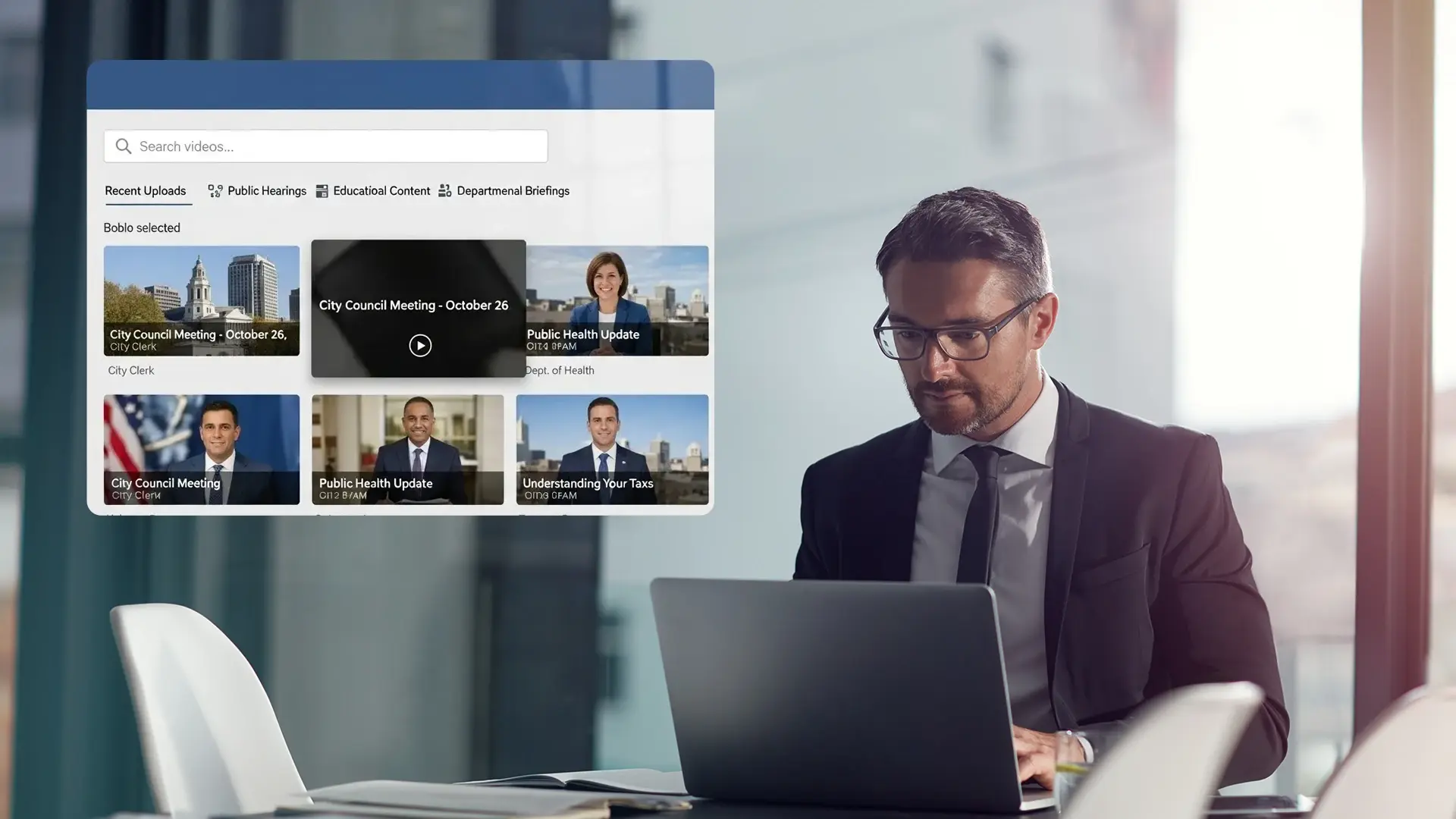
A county elections office records two months of ballot processing so residents can watch it happen. A health department streams a weekly session to push back on vaccine misinformation. A transport agency posts a town hall about a road project that half the district is angry about. Different programs, same underlying job: put trusted information in front of the public and be able to prove, later, exactly what was shown and for how long.
That last part is where the usual tools fall down. Posting a briefing to a consumer platform gets you reach by the afternoon. What it doesn't get you is a guarantee the recording will still be there in two years, a captioned version that meets the law, or a clean answer when legal asks where the master copy lives. Reach is the easy half. The accountable half is the reason public bodies end up needing something built for the purpose.
Why Social Platforms Can't Be Your Government Video Archive
Social platforms are good at one thing for government: getting a clip in front of people who weren't looking for it. That is genuinely useful, and no one should give it up. The mistake is treating the place where people discover your video as the place where your video lives.
When the feed is also the archive, you inherit problems you can't fix from the inside. The platform decides who sees the video and in what order. It decides what plays next, which for a serious briefing might be a clip accusing your agency of lying. It can change its terms, restrict an embed, or remove content, and it owes you nothing when it does. None of that is malicious. These products were built to keep people scrolling, not to serve as a government's permanent record.
A public-facing portal you control flips the ownership back. You decide what gets published, how it's described, how long it stays, and what sits next to it. Social media becomes the front door. The portal is the house.
What Public-Facing Video Means for Government Agencies
"Public-facing" gets read as "open to anyone, no controls," which is only true for some of the content. In practice a public program needs three different access modes living side by side.
Most material should play with no login at all. Press briefings, citizen awareness clips, explainers on a benefit program: a resident should click a link and watch, on a phone, with no account and no app install. Friction here defeats the entire point, since the audiences who most need public information are often the least willing to sign up for anything. Anonymous viewing should be the default for genuinely public content, with usage measured in aggregate rather than per person.
Some "public" content is narrower than that. A pre-release policy briefing under embargo, a session meant only for local councils, a benefit explainer that applies to one state: these need a gate. Single sign-on, restriction by organization or domain, and geo or IP limits all do that job without turning the whole portal into a login wall.
And nothing public should mean anyone can publish anything. An uploader drafts, a reviewer checks, a publisher releases, and for sensitive categories a legal or compliance step sits in between. Every change leaves a record of who did what and when. That is the difference between a portal that's open and a portal that's chaotic.
Accessibility, Records Retention, and Data Residency in Government Video
Strip away the feature lists and government video comes down to three obligations a feed was never designed to meet.
Accessibility that satisfies the law, not just good intentions
Public bodies in the United States are held to Section 508 and the Americans with Disabilities Act, which in practice means meeting WCAG 2.2 at Level AA. Auto-captions on a consumer platform help, but they are not accountable to your audit, and "the platform does captions" is not a compliance position. You need captions you can correct, subtitle and audio tracks in the languages your residents actually speak, a player that works with a screen reader and a keyboard, and the ability to show your work when someone asks.
A record you can defend
Government thinks in decades. A recorded public meeting can be referenced or challenged years after the room emptied, and FOIA requests don't expire because a platform changed its retention policy. You need to set your own retention rules, apply legal holds, export and migrate the library on your terms, and maintain a clear chain of custody for anything legally significant. A consumer account where deletion is one policy update away cannot offer that.
Data residency you can name
For many agencies, where the video is stored is not a preference, it's a mandate. That points toward in-country cloud regions, government-authorized environments, or a private deployment inside your own infrastructure, so the library answers to your jurisdiction rather than someone else's.
Notice that none of these are about video quality. They're about who is accountable for the content after it's published, and that accountability is exactly what general-purpose tools quietly opt out of.
Social Media vs. a Government Video Portal: When to Use Each
The decision isn't portal or social. It's knowing which job each one does well.
Reach for an awareness campaign, short clips meant to travel, driving people toward the full record: social platforms earn their place there. The moment the content carries legal weight, needs to stay accessible and available for years, or has to look unambiguously official, it belongs on infrastructure you own. A useful test before publishing anywhere: if someone files a records request for this video in three years, can you produce it, captioned, with proof of what was shown? If the honest answer is "only if the platform still has it," it shouldn't be living on that platform.
The clean pattern is to do both deliberately. Publish the authoritative version to your portal, then use social to point back to it. People discover the clip in the feed and land on the source for the full, unedited story.
Government Live Streaming in Practice: Kern County Elections
A concrete example does more than any feature list here.
Kern County's elections office in California needed to give the public a live view into ballot processing across a Primary and a Presidential General Election. The transparency stakes were obvious: residents wanted to see ballot counting, absentee processing, and vote-by-mail handling as they happened, not read about them afterward. The county set up coverage in two locations, a server room where counting took place and a larger absentee-ballot area, using multiple 4K cameras, with room to expand to fifteen more sites if needed.
Using EnterpriseTube, they ran five concurrent streams that recorded as they broadcast, daily from 8:00 AM to 7:00 PM, for more than two months across the pre- and post-election windows. The recordings were retained to meet California's 22-month storage mandate. The same setup that gave the public real-time access also produced the long-term, compliant record the state required, from one system rather than a patchwork of consumer tools.
That is the whole argument in one deployment. Live public access and a defensible archive were not two projects. They were one platform doing both at once.
How EnterpriseTube Works as a Government Video Platform
EnterpriseTube is built to be the controlled environment described above rather than a feed you rent space on. A few capabilities matter most for public programs.
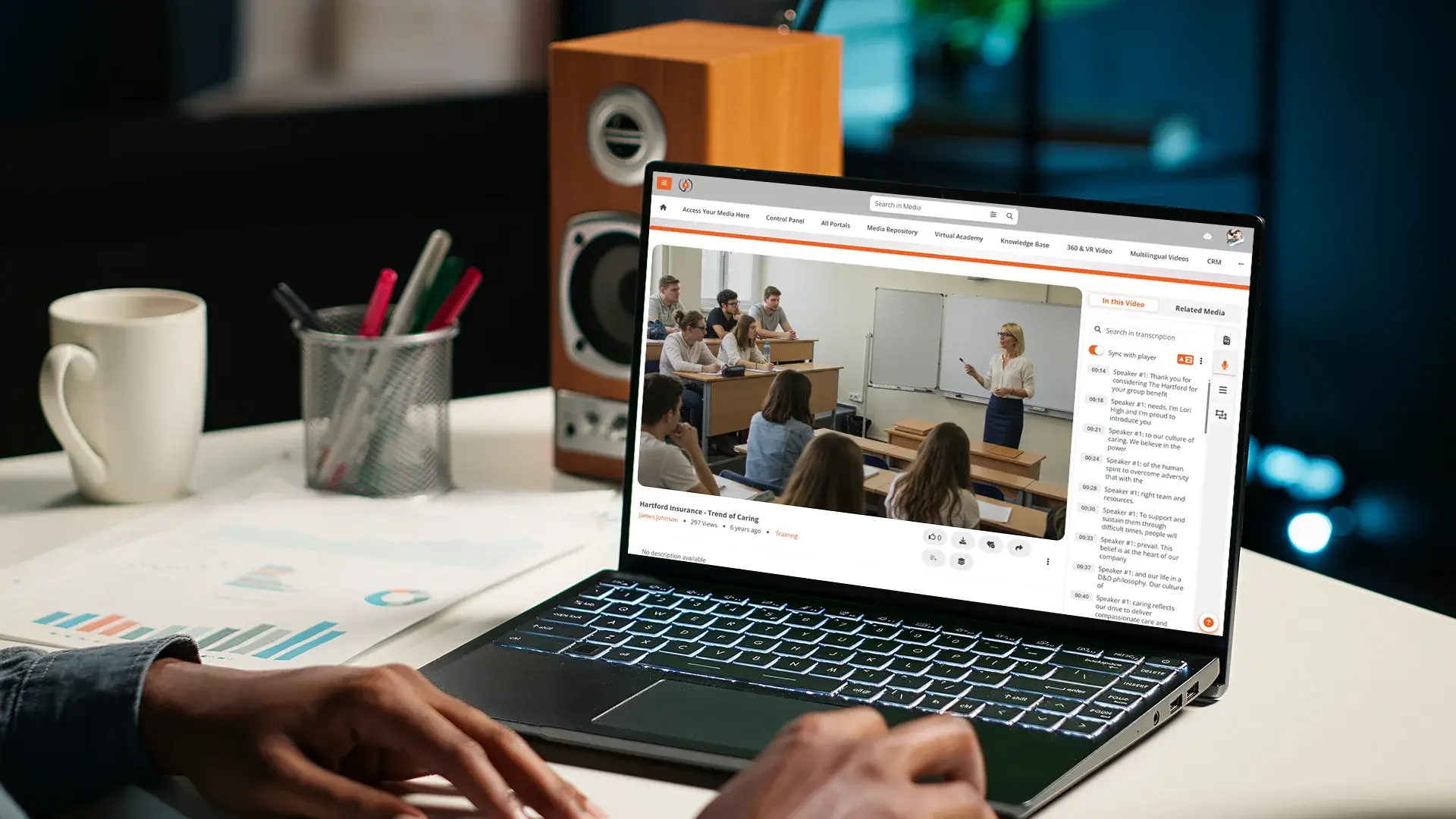
For live capture of a hearing or briefing, it handles high-quality streaming for press conferences, legislative sessions, and program launches, open to the public anonymously or gated to a specific audience. Every live stream can record and publish to your portal automatically as an on-demand recording, so a missed briefing becomes a searchable archive entry the moment it ends, complete with captions for Section 508, ADA, and WCAG.
Underneath that sits video content management with low-latency delivery for traffic surges, plus the access controls a public body needs: anonymous viewing for general information, SSO for stakeholders and partners, role-based permissions, URL tokenization, and optional geo restrictions. Where it fits the program, moderated Q&A and polls let you gather feedback during a town hall without opening an unmoderated comment section. For agencies with data-residency mandates, the platform runs in in-country cloud regions, government-authorized environments, or on-premises inside your own data center.
The portal also carries your branding rather than a generic dashboard, so residents recognize it as the official source instead of one more tool bolted onto the website.

How to Set Up a Public-Facing Government Video Portal
Standing up a public video program is mostly planning, not procurement. Decide who owns the portal first, whether that's communications, IT, or a cross-functional group, and write down what belongs on the public portal versus internal systems. Start with the recurring formats that already generate video, such as briefings, hearings, and campaigns, rather than trying to migrate everything at once. Standardize titles, descriptions, and tags around the questions residents actually ask, not your org chart. Then retire fragmented channels gradually, redirecting people to the new hub, and tell citizens plainly that this is the single authoritative source.
Public trust is slow to build and quick to lose. Keeping critical information on infrastructure you control is how you stop being one outage, policy change, or algorithm tweak away from confusion.
About the Author

Jump to
-2.png)
Video Captioning and Accessibility for Enterprise

Video Content Accessibility for Law Firms

No Comments Yet
Let us know what you think